 how-to
How Data-Driven Golf Practice Improves Your Game
Last Updated: November 2, 2026
Quick Summary
Data-driven golf practice means using measured feedback from every shot to decide what to work on next. Trackman simulators at SVN2 show numbers like carry distance, smash factor, launch angle and spin rate, so you can see the real cause of a miss. Focusing on patterns over 10-15 shots lets you improve faster than guessing.
- Track carry distance to find your real club yardages, since many golfers overestimate them.
- Use smash factor, ball speed divided by club speed, to check how efficiently you strike the ball.
- Review shot dispersion over 10-15 shots to spot whether a miss is a setup or contact problem.
- Look for patterns across several shots rather than reacting to a single shot that flies off line.
- Set one specific goal per session and check it with a baseline set and a test set.
Table of Contents
- What Data-Driven Golf Practice Actually Measures
- Golf Launch Monitor Metrics That Matter Most
- Reading Golf Shot Dispersion to Find Your Pattern
- How to Fix a Golf Slice Using Swing Data
- Building a Golf Practice Plan Around Your Numbers
- Where Data Ends and Feel, Coaching, and the Course Begin
- Booking Your First Data-Driven Session at SVN2
- Frequently Asked Questions
What Data-Driven Golf Practice Actually Measures
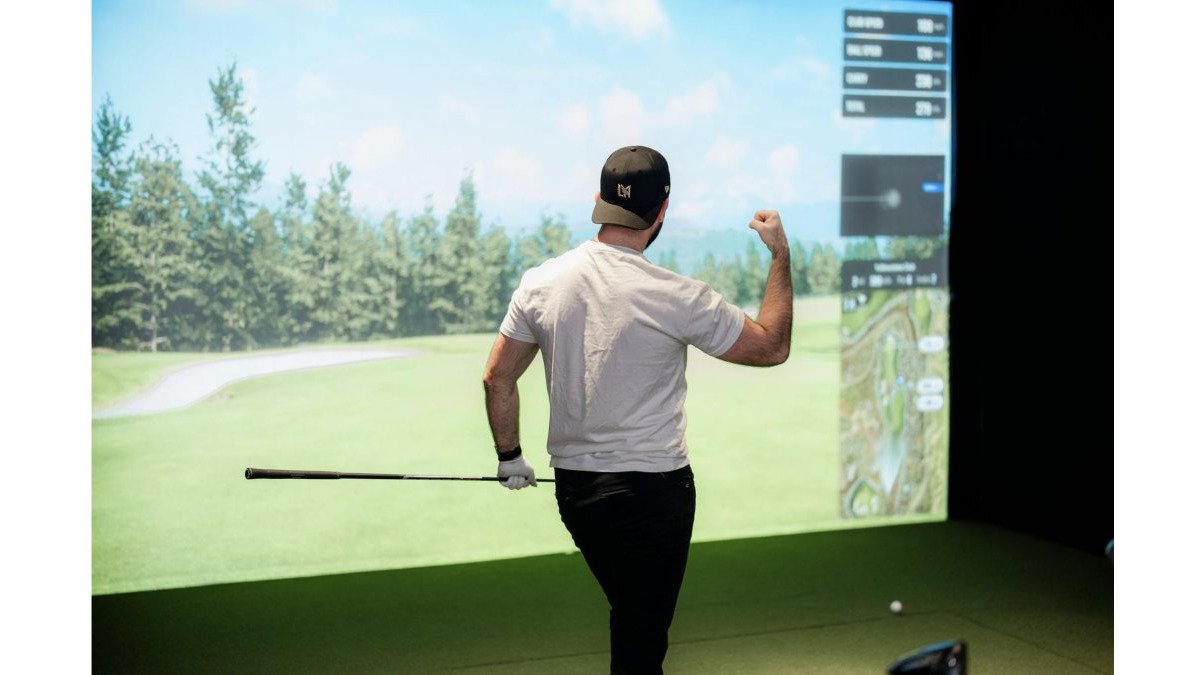
Data-driven golf practice means using measured feedback from every shot to guide what you work on next. At SVN2 Indoor Golf, our Trackman simulators record each swing and show you the numbers behind it. Instead of guessing why the ball curved right, you can see the club path, face angle and launch conditions that caused it.
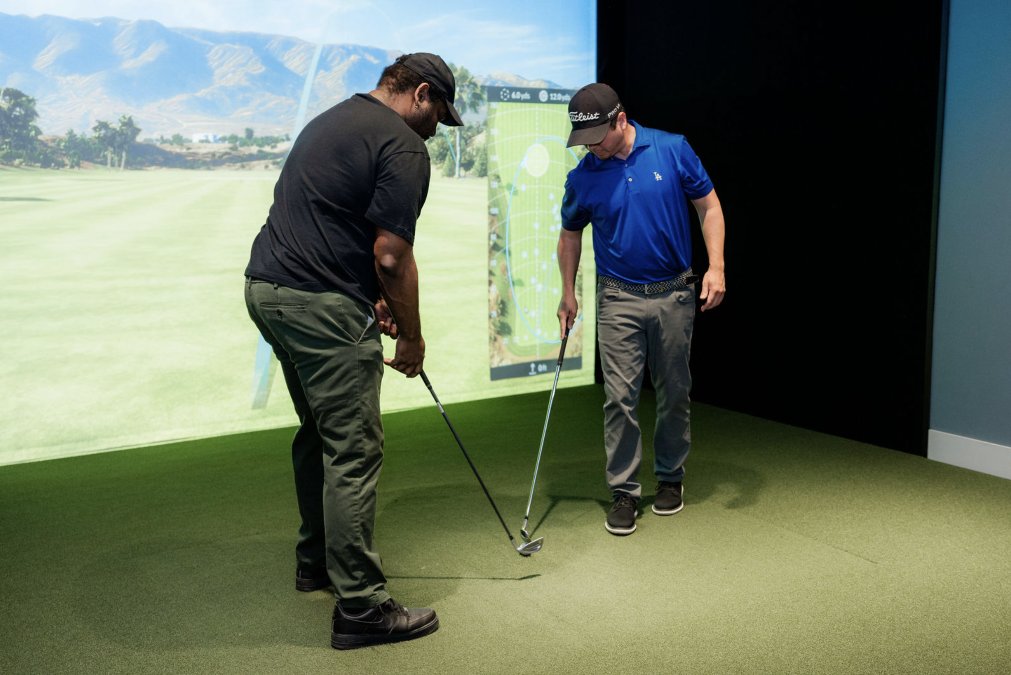
Golf practice without data often feels productive, but it can hide the real problem. A golfer who hits 100 balls on a range may remember the good ones and forget the pattern in the bad ones. Data keeps that pattern visible.
Here is what you can track in a session at SVN2:
- Carry distance: how far the ball flies in the air
- Total distance: carry plus roll after landing
- Club speed and ball speed: the energy you create and transfer
- Launch angle and spin rate: how the ball leaves the face and behaves in flight
- Shot direction and dispersion: where your shots land compared to your target
Each number answers a specific question. Together they show whether a miss comes from your swing, your club choice or your setup.
Golf Launch Monitor Metrics That Matter Most
Not every number deserves your attention. Focus on the few metrics that connect directly to your scoring. For most golfers, that means distance control, face and path control, and launch conditions that match the club. But raw numbers only help if you know what they mean and when a change is real.
Carry Distance, Club Speed, and Smash Factor
Carry distance tells you how far you actually hit each club. To see which device measures swing speed most accurately, read our launch monitor comparison. Many golfers overestimate their yardages, so a Trackman session can correct that quickly. Use the carry number to set your real club distances for the course.
Smash factor divides ball speed by club speed. It shows how efficiently you strike the ball. A higher smash factor means you are compressing the ball well, and a lower one often points to off-center contact.
Watch out: chasing club speed without tracking smash factor can add speed while losing efficiency, so your distance may not improve.
Launch Angle and Spin Rate
Launch angle is the vertical direction the ball starts. Spin rate controls how the ball climbs and how much it stops once it lands. The right combination depends on your club and your swing speed, so compare each club against its own typical numbers rather than someone else's.
Too much spin with a driver often costs distance. Too little spin with an iron can make the ball hard to stop. Adjust one variable at a time and recheck the result on the screen.
What Changes Are Meaningful?
Small fluctuations are normal. A single shot that flies 5 yards shorter or spins 200 RPM higher does not mean you have a problem. Look for patterns over at least 10-15 shots. A consistent shift in your average carry distance or dispersion width is worth acting on. A consistent drop in your 7-iron carry average or a shift in your face-to-path average is worth reviewing with the data.
Interpreting Metrics by Skill Level
Beginners should focus on center contact and basic direction. Smash factor and face-to-path are more important than spin rate. Mid-handicappers can start matching launch conditions to club speed and tightening dispersion. Advanced players can fine-tune spin rates and carry gaps between clubs.
The article's key metrics and what each one tells you, at a glance.
| Metric | What it tells you | Watch for |
|---|---|---|
| Carry distance | How far the ball flies in the air | Overestimated yardages |
| Smash factor | Efficiency of ball versus club speed | Off-center contact |
| Launch angle | Vertical direction the ball starts | Match to club and swing speed |
| Spin rate | How the ball climbs and stops | Too much with a driver costs distance |
| Pattern over 10-15 shots | Whether a change is real | Single shots are normal variation |
Reading Golf Shot Dispersion to Find Your Pattern
Shot dispersion shows where your shots scatter around your target. A tight group that sits off to one side points to a consistent swing with a setup or alignment problem. A wide, random spread points to inconsistent contact. Refining your stroke to minimize this variance requires the same analytical approach applied to your long game, starting with backyard putting drills that isolate your mechanics from the influence of external variables.
To read your pattern, hit 10 to 15 shots with one club and review the dispersion chart on the screen. Look for the shape of the group, not just the average. A group that starts left and curves back toward center tells a very different story than one that starts right and keeps going.
Use this as a simple checklist after each set:
- Is the group centered, or does it miss to one side?
- Is the spread narrow or wide?
- Does one miss type appear more often than the others?
How to Fix a Golf Slice Using Swing Data
A slice is a ball that curves hard from left to right for a right-handed golfer. For a detailed walkthrough, see how to fix a golf slice indoors. Most slices come from an open clubface combined with an outside-in swing path. The data shows both numbers, so you do not have to guess.
Here is how to work on it in the SVN2 bay:
- Hit five drivers and note the face-to-path number and the starting direction.
- Adjust your grip or aim so the face sits closer to square at impact.
- Make slow swings that bring the club from inside the target line, and watch the path number change.
- Hit five more shots and compare the curve to your first set.
- Repeat until the path and face numbers both move toward neutral.
Building a Golf Practice Plan Around Your Numbers
A useful practice plan starts with one or two goals from your data. Follow a data-driven plan to lower your handicap for a full routine. If your dispersion is wide with the 7-iron, your session should focus on contact and control with that club. Do not spread your time across every club and every metric.
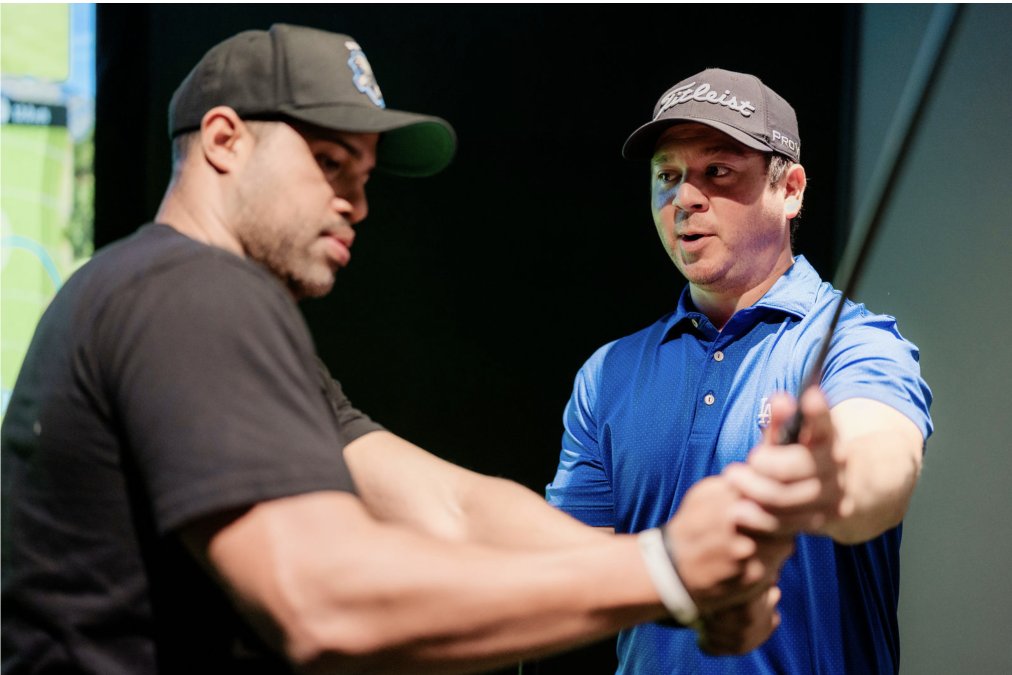
Here is a step-by-step routine you can follow at SVN2 to make every session count:
- Review your last session's data. Before you hit a ball, open your saved session on the Trackman screen and look at your averages for the club you plan to work on. Identify one metric that was off, for example, face-to-path or smash factor.
- Set a specific goal for today. Write it down: "Reduce my 7-iron face-to-path from 4 degrees open to 2 degrees open" or "Increase my driver smash factor from 1.42 to 1.48." A clear target keeps you focused.
- Warm up with short shots (10 minutes). Use a wedge to get the feel of the bay and loosen up. Do not worry about numbers yet.
- Run a baseline set (10 minutes). Hit 10 shots with your focus club and record the average for your target metric. This is your starting point for the session.
- Do a focused block (20 minutes). Make slow, deliberate swings working on the specific change. After every 3-4 swings, check the screen to see if the number is moving in the right direction. Adjust as needed.
- Run a test set (10 minutes). Hit another 10 shots with the same club and compare the average to your baseline. If the number improved, note it. If not, review what felt different.
- Cool down and review (5 minutes). Hit a few easy shots with a different club to finish. Then save your session and write down one takeaway: what worked, what didn't, and what you will focus on next time.
Track the same metrics across sessions. Progress shows up in trends, so write down your averages each visit and look for movement over several weeks.
Where Data Ends and Feel, Coaching, and the Course Begin
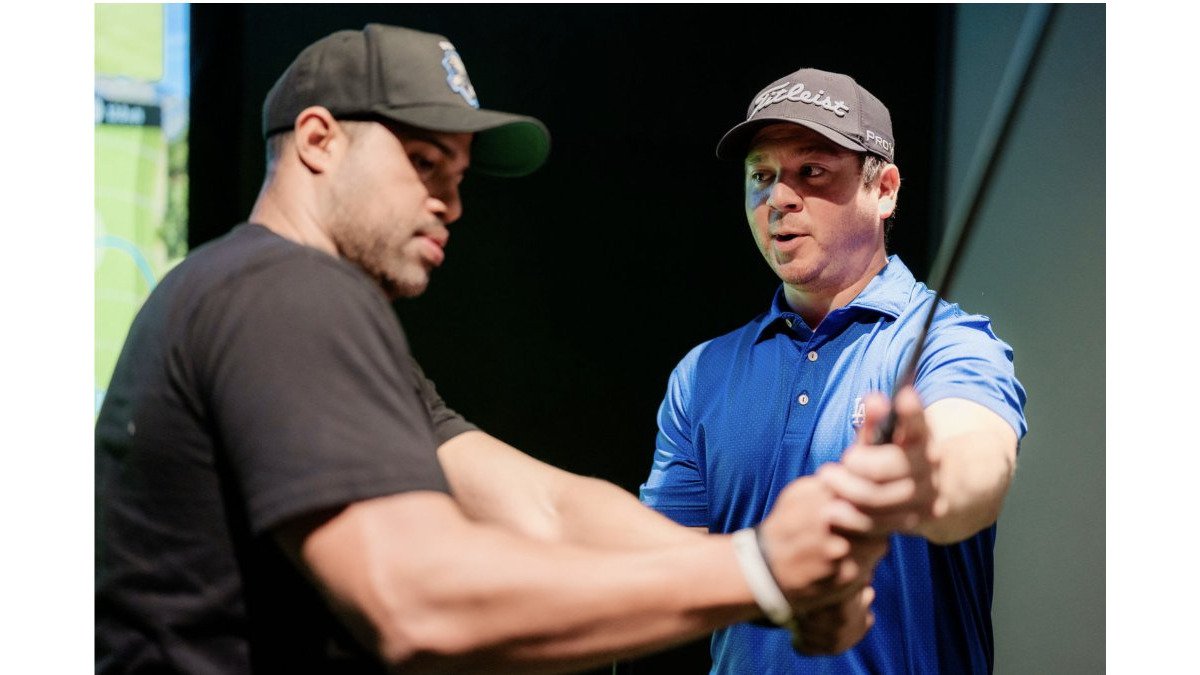
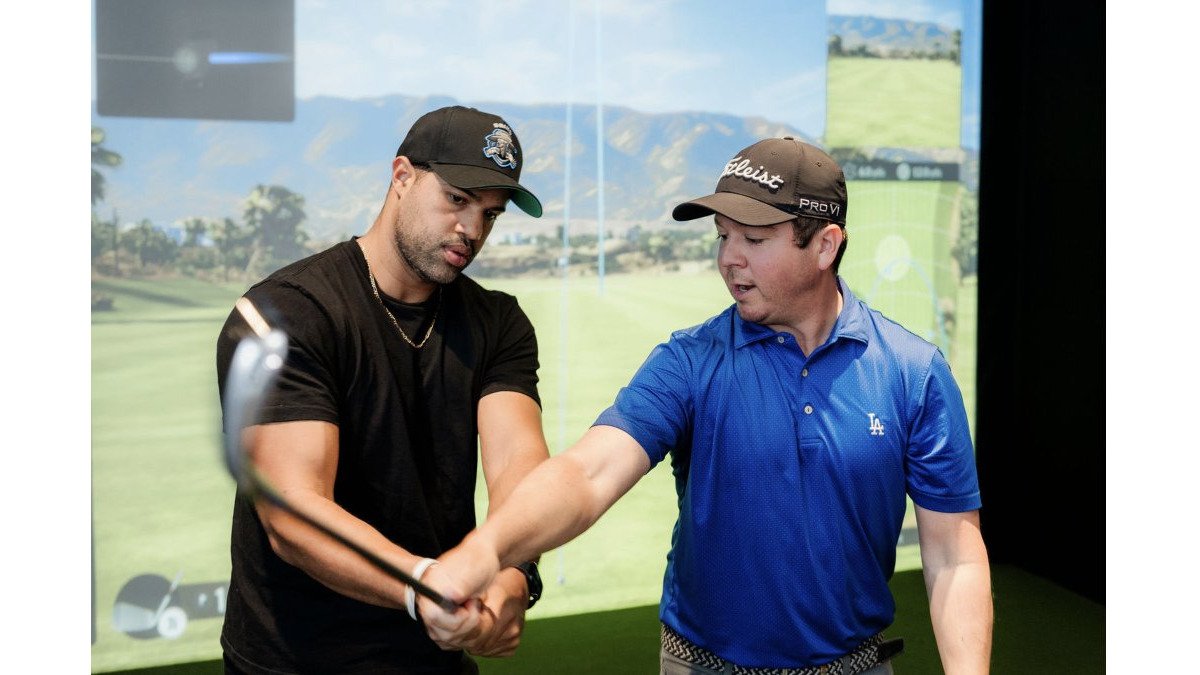
Data tells you what happened, but it does not always tell you why it felt that way or how to make the change repeatable under pressure. A good coach can read your posture, tempo and grip in ways a launch monitor cannot.
Also remember that a simulator measures the shot on a screen. Real course conditions include wind, lie, slope and the pressure of a close putt. Use the bay to build the swing and the numbers, then test those changes on the course.
The best results come from using both. Let the data show you the problem, use feel and coaching to fix the movement, and use the numbers again to confirm the change.
Booking Your First Data-Driven Session at SVN2
Your first visit to SVN2 Indoor Golf can be simple. The facility is fully self-service, so you can start practicing on the Trackman simulators at your own pace without a long orientation. Bring a clear goal, such as lowering your slice or tightening your 7-iron dispersion, so you know which numbers to watch.
Pricing is pay-as-you-go, and the exact cost depends on the time and session you choose. For current rates and availability, check the SVN2 Indoor Golf website or contact the team before you visit. Once you know your focus, book a session and start with the metric that matters most to your game.
Frequently Asked Questions
What are the benefits of data-driven golf practice?
Data-driven golf practice replaces guesswork with measured results. Each shot produces numbers such as carry distance, club speed, launch angle, spin rate and dispersion, so you can see exactly where your swing deviates from your intent. Over repeated sessions you can compare numbers from one visit to the next and confirm whether a change in technique is producing a measurable result. At SVN2, Trackman simulators record this detail for every swing, which makes progress easier to verify than memory alone.
Which golf launch monitor metrics should beginners track first?
Start with club speed, ball speed, launch angle, spin rate and carry distance for each club. Club speed and ball speed together produce smash factor, which shows how efficiently you transfer energy into the ball. Launch angle and spin rate explain much of your trajectory. Tracking carry distance alongside these numbers tells you whether a change affects real flight. Focus on a few metrics per session rather than trying to interpret every figure at once.
Can launch monitor data help fix a golf slice?
Launch monitor data can show whether a slice comes from an open clubface, an out-to-in path, or both, because a Trackman reports face angle, club path and resulting spin axis for each shot. Use the simulator bay to hit a series of shots with one change at a time and watch how the spin axis and shot shape respond. Review the dispersion pattern across a session to confirm the slice is shrinking, not just appearing less often on a single swing.
How often should you review your golf practice data?
Review your data at the end of each session while the shots are fresh, then compare key averages against your previous visits every few weeks. Session-level review helps you spot an immediate change in a single club. Longer comparisons reveal whether your dispersion and carry distances are truly improving. Because SVN2 offers pay-as-you-go access, you can schedule visits around your week and keep the comparison consistent by using the same clubs and target conditions each time.
If you want to zone in on your yardage and see every swing in detail, book your next session at SVN2 Indoor Golf and start improving with data you can trust.