 how-to
Book an Indoor Golf Simulator Session: 2026 How-To Guide
Table of Contents
- What You'll Need Before You Book an Indoor Golf Simulator Session
- Step 1: Choose Your Bay Rental and Session Length
- Step 2: How to Use Trackman for Golf Practice
- Step 3: Build an Indoor Golf Simulator Practice Routine
- How Accurate Are Indoor Golf Simulators Compared to a Real Course?
- Simulator Etiquette for First-Timers: What to Expect at SVN2
- Memberships, Hourly Rates, and Pay-As-Go Options
- Conclusion: Book Your Indoor Golf Simulator Session at SVN2
- Frequently Asked Questions
Last Updated: September 29, 2026
What You'll Need Before You Book an Indoor Golf Simulator Session
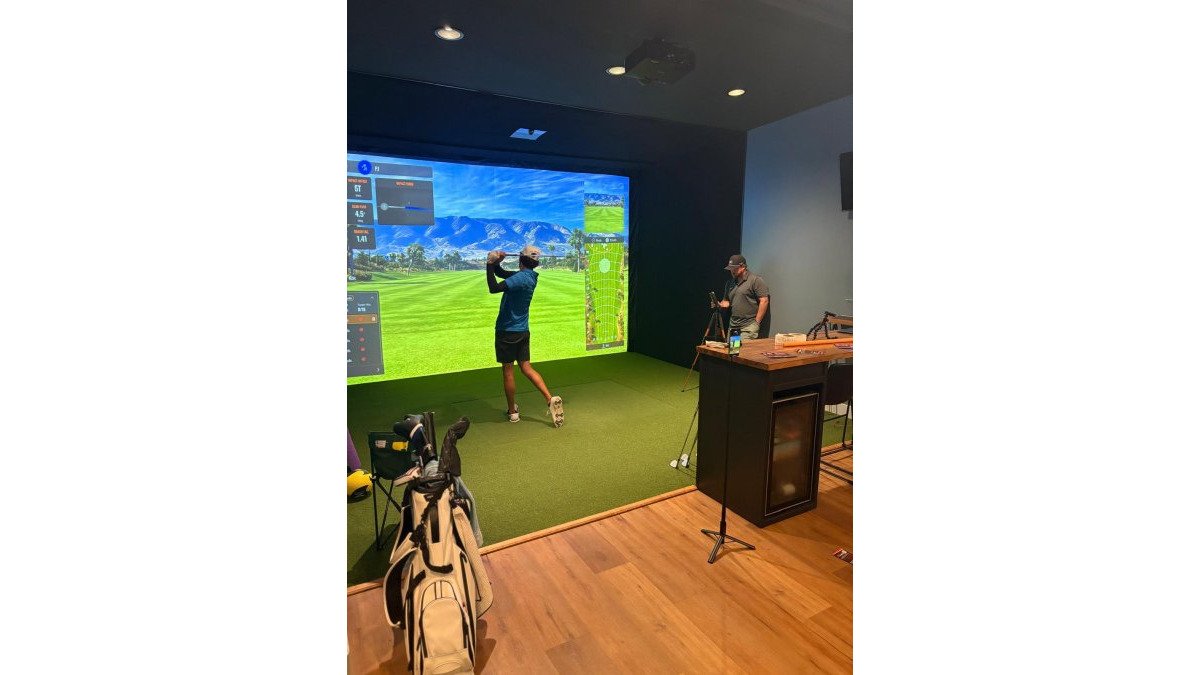
Booking an indoor golf simulator session is the fastest way to keep your game sharp when weather, daylight, or a packed schedule gets in the way. At SVN2 Indoor Golf, we built our facilities around one idea: you should be able to walk in, warm up, and get real feedback on your swing without a membership interview or a tee time three weeks out.
Here's what you actually need before you arrive.
Indoor golf simulator sessions at SVN2 are fully self-service. That means no front desk queue, no caddy, no waiting on a starter. You book your bay, you play, you leave when you're done.
Bring these:
- Your clubs (a full set, or just the two or three you want to work on)
- Golf shoes or clean athletic shoes
- Glove and balls (we supply balls)
- A phone or watch if you want to log your data
You don't need to be a low-handicap player. You don't need to understand spin rate or club head speed on day one. You just need to show up.
Step 1: Choose Your Bay Rental and Session Length
Bay rental is the core unit of an SVN2 visit. You reserve a simulator bay for a block of time, and that bay is yours. No sharing, no rotating.
Session lengths typically fall into three buckets:
- 30 minutes, a quick warm-up or a focused drill block
- 60 minutes, a full practice session or a fast nine holes
- 90 minutes to 2 hours, 18 holes with a group, or a deep swing analysis session
For a solo practice session, 60 minutes is the sweet spot. You get enough reps to actually change something in your swing without fatiguing.
How Long to Book a Golf Simulator for 18 Holes
A full 18-hole virtual round takes most groups 90 minutes to 2 hours.
Step 2: How to Use Trackman for Golf Practice
Trackman is the launch monitor behind every SVN2 bay. Learning to use it well is the difference between hitting balls and actually improving.
Reading Your Ball Flight Data: Carry Distance, Spin Rate, and Club Head Speed
Three numbers matter most for game improvement:
- Carry distance, how far the ball travels before it lands. This is the number you actually play to on a course.
- Spin rate, how much the ball rotates in the air. Too much spin and the ball climbs and stalls. Too little and it won't hold a green.
- Club head speed, how fast the club is moving at impact. This drives distance, but only if you're hitting the center of the face.
Step 3: Build an Indoor Golf Simulator Practice Routine
Here's a structure that works for many players.
Warm-up (5-10 minutes): Start with wedges. Half swings, then full. Get your body moving before you chase distance.
Driving Range Mode vs. Virtual Round: When to Use Each
Driving range mode strips away the course and gives you pure data. Use it when you're working on swing mechanics, testing a new club, or dialing in yardage gaps.
How Accurate Are Indoor Golf Simulators Compared to a Real Course?
Here is the answer, plus the mechanism behind it.
What the Simulator Actually Measures vs. What It Calculates
SVN2 bays run on Trackman, a radar-based launch monitor. That matters because radar captures the whole flight window, which is why the carry and total distance numbers you see on screen track closely with what you'd see outdoors on a calm day.
Where Indoor Numbers Diverge From Outdoor Numbers
A few real-world variables never make it into the bay:
- Wind. A 15 mph headwind outdoors can cost you 20-plus yards of carry. Indoors, it's always calm.
- Lie. The mat is always flat and clean. A downhill lie in wet rough is not.
- Turf interaction. Mats produce consistent, forgiving contact. Real turf does not.
- Elevation and temperature. Both change ball flight outdoors in ways the bay doesn't replicate.
Why This Matters for Choosing How You Practice at SVN2
If your goal is to fix a slice, the radar data on club path and face angle is the most useful thing in the bay. If your goal is to dial in wedge yardages, the carry and spin numbers give you a repeatable baseline you can adjust from on the course.
Simulator Etiquette for First-Timers: What to Expect at SVN2
A few unwritten rules keep sessions smooth for everyone.
- Arrive a few minutes early to settle in. Your bay time starts when it starts.
- Hit only from your designated spot on the mat. Wandering throws off the tracking.
- Keep your group inside the bay. Other bays are in use.
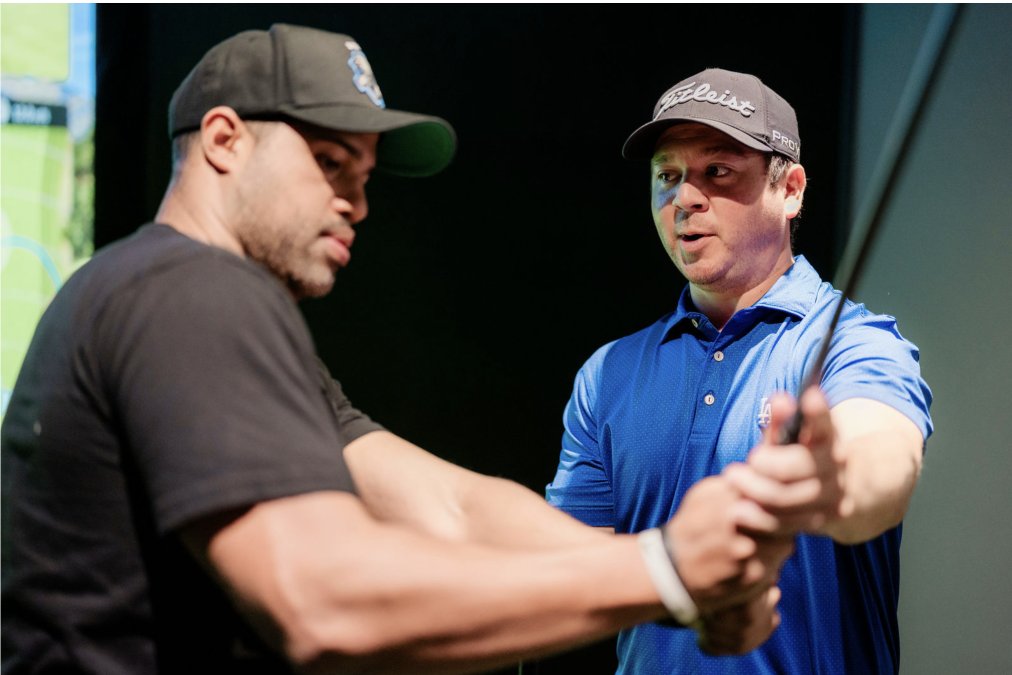
- Don't coach strangers. Offer advice only if asked.
- Reset the bay when you finish so the next player starts clean.
SVN2 is fully self-service, so there's no staff hovering. That also means you're responsible for leaving the space ready for the next golfer.
Memberships, Hourly Rates, and Pay-As-Go Options
SVN2 runs on a pay-as-you-go model. You pay for the time you book, nothing more. No initiation fee, no monthly minimum, no contract, no annual commitment.
That structure is deliberate.
How Bay Rental Pricing Actually Works
Three variables drive what you pay for a session:
- Session length. A 30-minute block costs less than a 60-minute block, which costs less than a 90-minute or 2-hour block. Longer blocks are priced so the per-minute rate drops as you book more time.
- Time of day. Off-peak hours, typically weekday mornings and early afternoons, are priced lower than prime evening and weekend slots. If your schedule is flexible, booking off-peak is the single easiest way to lower your cost per session.
- Membership status. Community members pay a reduced rate on every booking, which is the main reason regulars join.
Current rates for each session length and time window are posted on the SVN2 Indoor Golf website. Rates are updated there, not here, so the number you see at checkout is always the current one.
Community Memberships: Who They're Built For
SVN2 offers community memberships for students, faculty, first responders, seniors, and veterans. These are designed for people who want consistent access without the structure of a traditional club.
What's Included in Every Booking
Every SVN2 bay rental includes the same core package, regardless of session length or membership status:
- A private simulator bay for your full booked block
- Trackman launch monitor data on every shot
- Access to driving range mode and virtual round mode
- Virtual course selection from the facility's library
- Balls supplied on site
Booking Mechanics: How to Lock In a Bay
Booking is fully self-service. You reserve a bay online, choose your session length and start time, and pay at checkout. No phone call, no front desk, no membership interview.
A few practical notes:
- Book ahead for prime slots. Weekend evenings and weekday after-work hours fill first. If you want a specific time, reserve it early.
- Arrive a few minutes before your block. Your bay time starts at the booked time, not when you walk in.
- Cancellation and rescheduling follow the policy shown at checkout. Read it before you confirm if your plans tend to shift.
| Session Type | Typical Length | Best For |
|---|---|---|
| Quick practice | 30 minutes | Warm-up, single-metric work |
| Standard session | 60 minutes | Solo practice, nine holes |
| Extended session | 90-120 minutes | 18 holes, group play, deep analysis |
Conclusion: Book Your Indoor Golf Simulator Session at SVN2
The barrier to better golf is often reps, and reps need a place to happen. Weather, daylight, and crowded courses all get in the way.
Frequently Asked Questions
How much does it cost to rent an indoor golf simulator session?
Pricing at SVN2 Indoor Golf depends on session length, membership tier, and time of day. We offer pay-as-you-go hourly rates and community memberships for students, faculty, first responders, seniors, and veterans. Visit the SVN2 website or contact the facility directly for current rates and membership details. Costs vary, so checking ahead ensures you get the best option for your budget.
How long does it take to play 18 holes on an indoor golf simulator?
A full 18-hole virtual round typically takes 1 to 2.5 hours, depending on the number of players. If you are focused on practice rather than playing a round, a 30 to 60-minute session is enough to work through a structured indoor golf simulator practice routine. Book at least 90 minutes if you want a relaxed virtual round with friends.
Can I use my own clubs at SVN2 Indoor Golf?
Yes. SVN2 Indoor Golf encourages players to bring their own clubs so the ball flight data and swing analysis reflect their actual equipment. If you are trying a new club or just getting back into the game, bringing your own set is always the best option.
What data points should I track during an indoor golf simulator session?
Focus on carry distance, club head speed, spin rate, ball dispersion, and smash factor. These metrics show how your swing mechanics affect ball flight. Trackman at SVN2 provides real-time feedback on every shot, so you can compare impact data across sessions and build a data-driven improvement plan. Start with one or two metrics per session to avoid information overload.