 how-to
Why Use Trackman for Golf Training: Data That Works
Table of Contents
- Why Use Trackman for Golf Training at SVN2
- What Trackman Measures on Every Shot
- Trackman Golf Data: The Numbers That Actually Matter
- Trackman Swing Analysis: Seeing Your Mechanics Clearly
- Trackman Distance Control: Dialing In Every Club
- Trackman Golf Practice: Building a Session That Works
- Turning Simulator Data Into On-Course Results
- An Environment Built for Focus, Not Distraction
- Frequently Asked Questions
Last Updated: October 20, 2026
Why Use Trackman for Golf Training at SVN2
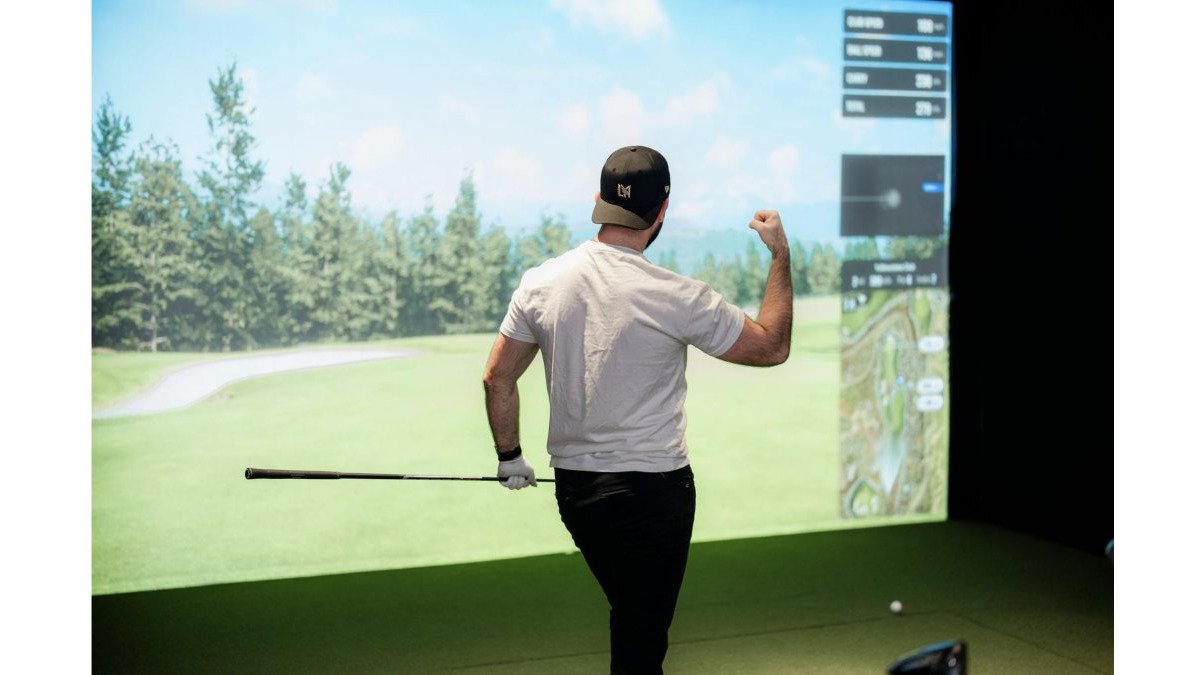
Why use Trackman for golf training? Because it turns every swing into information you can act on.
Trackman is a radar-based launch monitor that tracks your club and ball through impact.
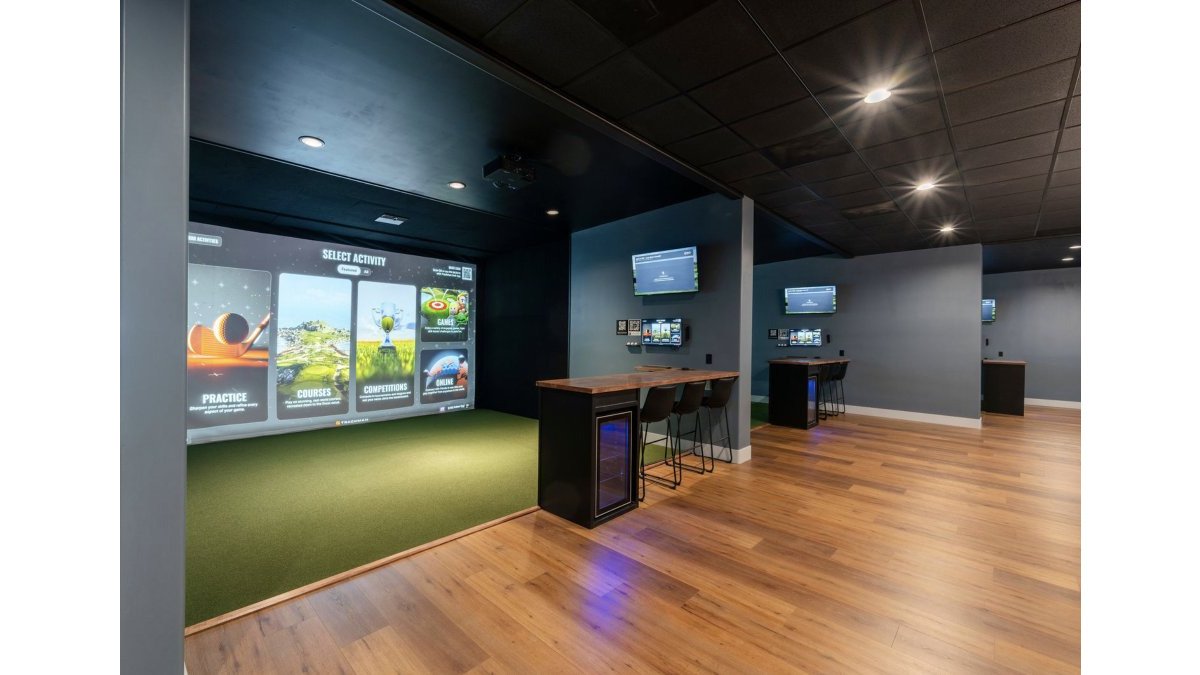
Our members feel it the moment they walk in. The bays are quiet and uncluttered.
Below, we break down what Trackman measures, which numbers matter, and how to build a practice session that carries to the course.
What Trackman Measures on Every Shot
Trackman measures two things at once: what the club does and what the ball does.
The club data covers club speed, club path, face angle, attack angle, and smash factor.
Put together, these numbers describe your shot shape and shot dispersion with real precision. A pull that felt like a fade shows up as a face-to-path mismatch.
That is the core value. You stop guessing and start seeing.
Trackman Golf Data: The Numbers That Actually Matter
Trackman golf data can overwhelm a new user. Dozens of numbers populate the screen after one swing. Most of them do not need your attention yet.
Start with four:
- Club path and face angle decide your shot shape.
- Smash factor shows how solidly you struck the ball.
- Carry distance tells you what the shot actually does in the air.
Spin rate, launch angle, and attack angle matter once the basics settle down. Chasing all of them at once is a common mistake. It creates noise, not progress.
Reading Metrics Without Overreacting to One Shot
One swing is not data. It is an event.
A single low smash factor could be a bad strike or a cold swing. A pull could be a real path issue or a setup slip.
So read in blocks. Hit ten balls, then look at the averages and the spread. If eight of ten shots show the same path, that is your swing. If two do, that is a miss.
This habit alone separates productive practice from range therapy.
Trackman Swing Analysis: Seeing Your Mechanics Clearly
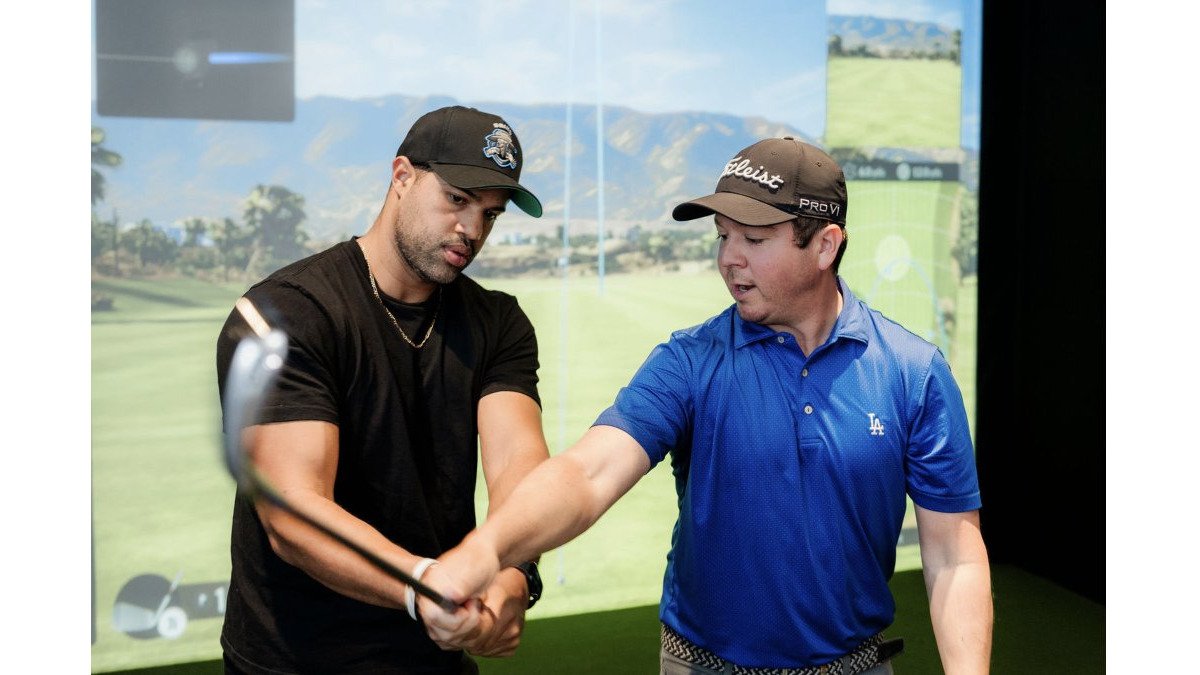
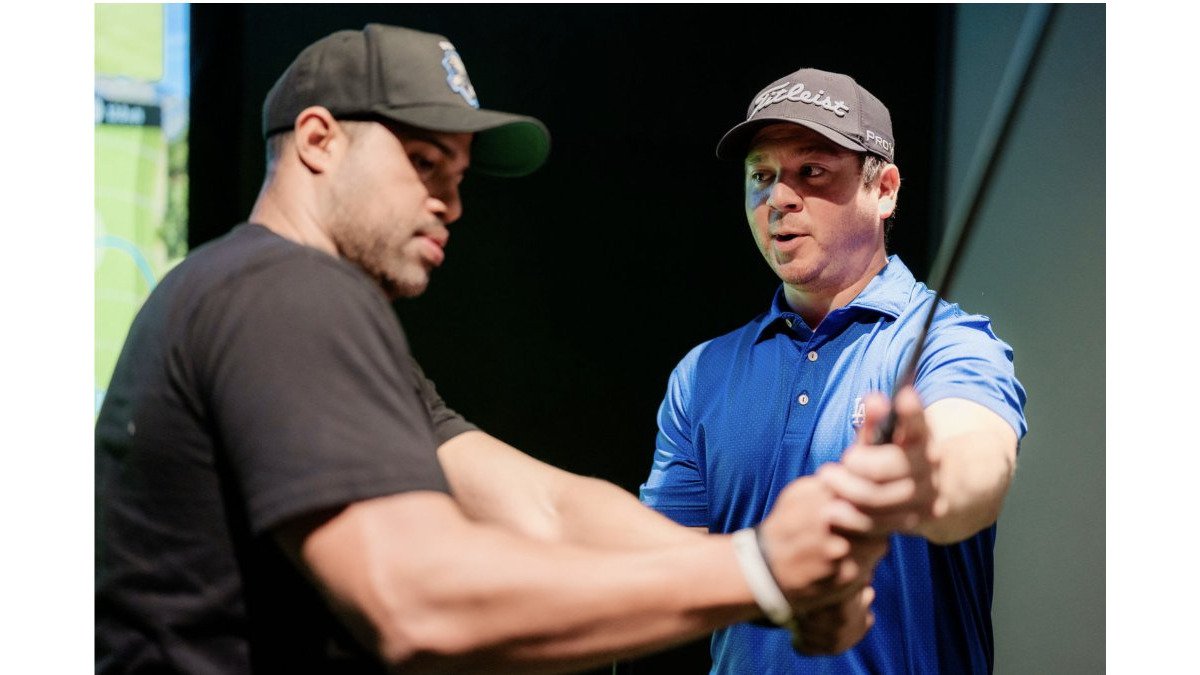
Trackman swing analysis shows your mechanics without opinion or memory. You do not need a coach's eye or a friend's phone video to know what your club did.
The reason that matters is simple: feel and fact diverge constantly. Most golfers are convinced they know their path. Then they see eight of ten shots start right of their target line and realize their internal map was wrong.
Why the Ball Curves: Face-to-Path in Plain Terms
Face-to-path explains most curvature. The relationship is mechanical, not mysterious.
- If the face points right of the path at impact, the ball curves right.
- If the face points left of the path, the ball curves left.
- If the face and path match, the ball flies straight relative to that line.
That is the whole model. A slice is not a curse; it is a face that sits open to a path that is moving left. A hook is the reverse. Once you see the two numbers side by side on the screen, fixing a shot shape stops being guesswork and becomes a single, testable adjustment.
Path and Attack Angle: What They Say About Your Strike
Club path and attack angle explain your low point and your contact.
- A steep attack angle with an early low point produces fat shots, the club reaches the ground before the ball.
- A shallow attack angle with a late low point produces thin ones, the club arrives after the ball has left.
- A path that swings too far in one direction pushes your start line and your curve out of sync.
What most golfers miss is how quickly the picture becomes clear. Two sessions of honest feedback often reveal a pattern that years of range balls never did, because the range gives you a result without a cause. The bay gives you both.
Reading a Block of Shots, Not a Single Swing
One swing is not data. It is an event. A single low smash factor could be a bad strike or a cold swing.
So read in blocks. Hit ten balls, then look at the averages and the spread.
- If eight of ten shots show the same path, that is your swing.
- If two do, that is a miss.
- If the average face angle sits two degrees open to the average path, that is your curve, and it is fixable.
This habit alone separates productive practice from range therapy. It also keeps you from chasing a single number that was never real to begin with.
One Change at a Time
The temptation in a data-rich bay is to fix everything at once. Resist it. Pick the single mechanic that explains the most of your miss, usually face-to-path, and work only that for a block. Change two things and you will not know which one worked. Change one, and the next block tells you whether it took.
What most golfers also miss is how much the room itself contributes. A focused, uncluttered bay with no line of strangers behind you lets you think between shots, and thinking between shots is where the learning actually happens. Good for your golf. Good for the soul. This deliberate environment also provides the clarity needed to discern how subtle variations in golf equipment quality influence your consistency and ball flight.
Trackman Distance Control: Dialing In Every Club
Trackman distance control starts with knowing your real yardages. Not your best-ever 7-iron. Your average one.
Hit ten balls with each club and watch the carry distance cluster. That cluster is your number.
Then build your distance gapping. Line up your clubs from wedge to driver and check the gaps between them.
This is where club selection gets smarter. When you know your average distance per club, you stop forcing a swing and start picking a club.
Trackman Golf Practice: Building a Session That Works
Trackman golf practice works best with structure. Random hitting feels productive but rarely is. A planned session gives you a target, a feedback loop, and a finish line.
Most simulator advice stops at "hit some balls and look at the numbers." That is not a session; it is a warm-up with extra steps. What follows is a level-based structure you can run in an SVN2 bay, adapted to what you are actually trying to fix.
The Universal Frame: Warm Up, Baseline, Work, Transfer
Every session, regardless of level, follows the same four blocks.
- Warm up (10 minutes). Easy swings with a wedge. No data reading yet. Let your body loosen before the radar starts judging.
- Baseline (15 minutes). Ten shots each with three clubs. Note your averages, not your best shot.
- Work block (20 minutes). One change, one club, one target. This is where improvement happens.
- Transfer block (10 minutes). Play a few virtual holes and let the change settle under a different kind of pressure.
The frame stays the same. What changes by level is what you do inside the work block.
Beginner: Build a Baseline Before You Build a Swing
If you are new to the data, your first several sessions are not about fixing anything. They are about establishing what your normal looks like.
- Hit ten balls with a 7-iron, a wedge, and a driver. Record average carry and average dispersion for each.
- Ignore spin, launch, and attack angle for now. They will only create noise.
- Your only goal is a repeatable setup: same ball position, same aim, same tempo.
A beginner who leaves with three honest average yardages and a consistent setup has had a better session than one who chased a swing thought for an hour.
Intermediate: Pick One Metric and Move It
Once you have a baseline, the work block gets a target. Choose the single number that explains most of your miss.
- If your shots curve too much, work face-to-path. Pick a start line and a curve, and hit ten balls trying to match them.
- If your contact is inconsistent, work attack angle and low point. Watch whether your fat and thin shots share a pattern.
- If your distances are bunched, work gapping. Check the carry gap between adjacent clubs and flag any that are too tight or too wide.
One metric per session. Two adjustments at once and you will not know which one worked.
Advanced: Pressure, Dispersion, and Course Transfer
For the experienced player, the work block shifts from mechanics to execution under consequence.
- Set a target and a dispersion window. Hit ten shots and count how many land inside it. That count is your real accuracy, not your best strike.
- Play virtual holes with a specific shot shape in mind, and check whether the shape you intended is the shape you produced.
- Use the transfer block to rehearse course decisions: club selection off the tee, approach yardages, and where your miss actually goes.
The advanced golfer is not chasing a prettier number. They are closing the gap between intent and outcome.
Common Setup and Measurement Errors to Avoid
Most bad data comes from a bad setup, not a bad swing.
- Ball too far forward or back skews attack angle and path.
- Aim not set makes every path number suspect.
- Hitting rushed shots inflates your dispersion.
Check your setup before every block. It takes twenty seconds and saves the whole session.
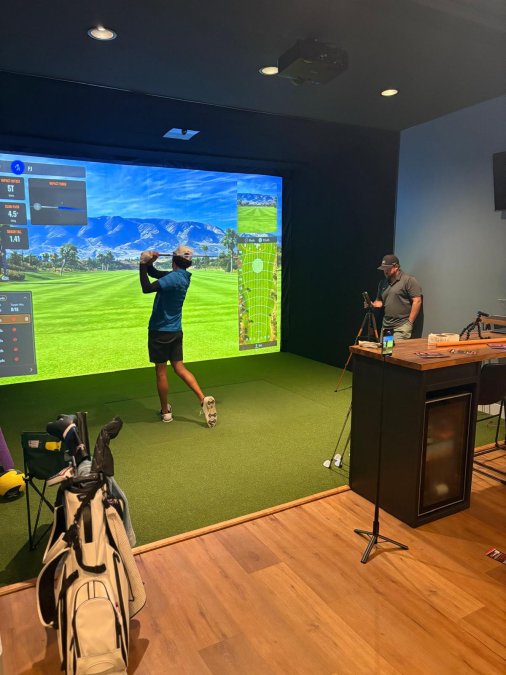
What separates a good session from a wasted one is rarely the technology. It is the structure, the quiet, and the room to think. That is what we built here, good for your golf, and good for the soul.
Turning Simulator Data Into On-Course Results
Simulator data only pays off when it travels. The bridge is a short, honest transfer plan.
First, write down your three key averages: driver carry, mid-iron carry, and wedge carry.
Second, name your dominant shot shape from the data. Then play to it instead of fighting it.
Third, use course management built on your dispersion pattern.
A common mistake is treating the simulator as a video game.
An Environment Built for Focus, Not Distraction
Most practice environments fight against you. Music, crowds, noise, and a line of strangers waiting behind you. Focus never stands a chance.
We built SVN2 Indoor Golf to remove all of that.
The result feels different from a typical simulator trip. It is quiet. Uncluttered.
Our Trackman simulators deliver a detailed breakdown of every swing, and our community memberships keep access affordable for students, faculty, first responders, seniors, and veterans.
Good for your golf. Good for the soul.
Frequently Asked Questions
How accurate is Trackman compared to what I experience on a real course?
Trackman uses Doppler radar to track the full ball flight, so the carry distance, total distance, and shot shape you see indoors reflect what the ball does outdoors. The main differences come from conditions the simulator does not reproduce, like wind and firm turf. Use it to learn your true yardages and ball flight tendencies, then adjust for weather when you play. Golfers at SVN2 regularly use Trackman golf data to confirm what they see on the course.
Do I need to understand all the swing data to use the simulators?
No. You can walk in, play a virtual round, and ignore every number on the screen. But if you want to improve, start with three metrics: carry distance, club path, and face angle. Those three explain most ball flight outcomes. Trackman swing analysis shows them after every shot, so you can learn at your own pace without feeling buried in data.
Can Trackman help a higher handicap golfer who has played the same way for years?
Yes, because it shows the cause of your miss instead of just the result. A slice, for example, usually traces to an open face angle relative to club path, and Trackman golf data makes that relationship visible shot after shot. Once you see the pattern, you can work on one change at a time. Distance control practice also helps higher handicaps score better by removing big misses.
How do I use Trackman for distance control practice?
Hit ten shots with each club and note your average carry distance, not your best one. Then practice hitting specific targets at that number, and track how many shots land within a reasonable window. Trackman distance control work at SVN2 lets you repeat this with instant feedback, which is far more efficient than guessing at an outdoor range.
Your game does not need more range balls. It needs better information and a calmer place to use it. At SVN2 Indoor Golf, our Trackman simulators give you a detailed breakdown of every swing, our self-service bays let you practice on your own schedule, and our pay-as-you-go model keeps premium data within reach. Book now and see what your swing has been trying to tell you.