 How-to
How to Improve Golf Simulator Ball Flight Accuracy
Last Updated: November 21, 2026
Quick Summary
Improve ball flight accuracy by squaring the unit to the target line rather than the mat edge, marking the hitting spot, and clearing glare and reflective objects from the tracking zone. Clean the ball and match it to the software setting, then fix one variable at a time and hit three shots to confirm.
- Position the unit at the manufacturer's specified distance and height, then mark the floor and return it there every session.
- Align the unit to the target line with a laser aid, since aligning to the mat bakes in a push or pull.
- A scuffed or dirty ball produces inconsistent spin rates, so clean it before every session.
- Run the eight-step validation protocol at the start of any serious session to confirm the bay reports honestly.
- Judge a session on the pattern across ten shots, not on any single reading.
Table of Contents
- Why Your Simulator Ball Flight Looks Wrong
- How Golf Simulator Accuracy Is Measured
- Trackman Golf Simulator Setup and Calibration Checklist
- Troubleshooting Ball Flight Accuracy by Symptom
- How Ball Type and Condition Affect Readings
- A Repeatable Validation Protocol for Your Data
- Building a Practice Routine for Golf Simulator Sessions
- Golf Simulator Drills for Accuracy That Transfer to the Course
- Frequently Asked Questions
Why Your Simulator Ball Flight Looks Wrong
Your ball flight accuracy problem is usually not the simulator. It is almost always setup, calibration, or a data point you are misreading. A golfer strikes one down the middle, the screen shows a hard left miss, and trust in the whole session can collapse.
That gap between what you feel and what the screen shows has a cause. It is fixable.
Below, we walk through exactly how to improve golf simulator ball flight accuracy, from sensor alignment to a repeatable validation protocol you can run in any bay. But first, here is what most guides get wrong: they blame the hardware. In practice, the culprit is a misaligned unit, a dirty ball, or a metric read out of context.
If you want the deeper mechanics first, our breakdown of indoor golf simulator accuracy explains how the systems actually measure a shot.
How Golf Simulator Accuracy Is Measured
Ball flight accuracy is how closely a simulator's reported shot data matches what the ball would do outdoors. Two systems do the measuring: radar and camera.
Radar-based systems track the club and ball through the hitting zone using Doppler radar. They follow the ball's flight path and calculate carry distance, ball speed, and spin.
High-speed camera systems photograph the club and ball at impact (What is a Golf Launch Monitor?). They read launch angle, clubhead speed, and face angle from still frames.
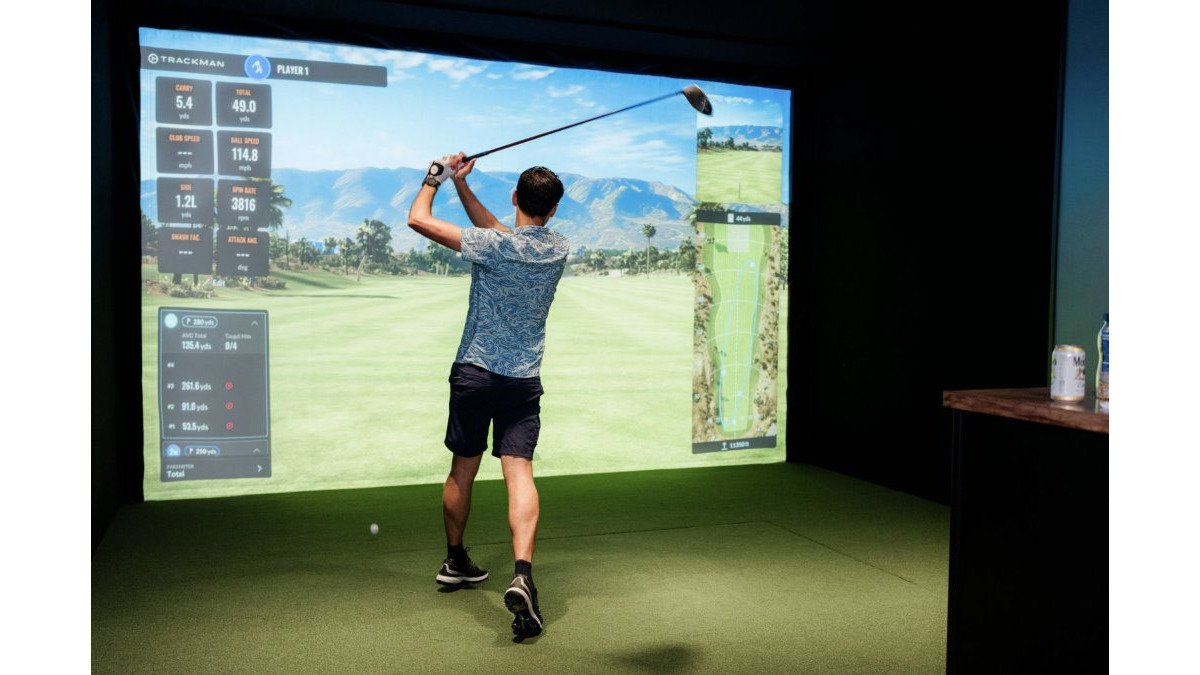
A Trackman golf simulator, for example, pairs radar with optical tracking to capture club data and ball data together.
Here is the key distinction most golfers miss: the simulator measures a short segment of flight, then models the rest. Measured data and simulated flight are not the same thing. Carry distance is a calculation, not a measurement. That is why environment and setup matter so much.
Trackman Golf Simulator Setup and Calibration Checklist
A correct setup takes about five minutes and prevents most bad readings. Work through this list in order before your first swing, and treat each step as a variable you are controlling rather than a box to tick.
1. Position the unit at the specified distance and height. The unit must sit at the distance and height the manufacturer specifies behind the hitting area.
2. Square the unit to the target line, not the mat edge. Use a laser alignment aid or a long straight edge laid from the unit through the ball position to the projected target.
3. Set and mark the hitting area. Place the ball on the marked spot and confirm the unit registers it before you swing.
4. Control the lighting. Verify the bay lighting is even, with no direct glare on the sensors and no bright fixture reflecting off the screen into the tracking zone.
5. Clear the tracking zone of reflective objects. Remove reflective objects, chrome clubheads left in the bay, glossy signage, phones, water bottles, from inside the tracking zone.
6. Confirm the software and ball setting. Check that the software is updated to the current version and that the correct ball type is selected in the settings.
7. Run a registration test. Place a ball on the marked spot and confirm it registers.
8. Verify calibration against a known reference. If the bay offers a calibration or self-test routine, run it. Where it does not, hit a club whose carry you know well outdoors and compare.
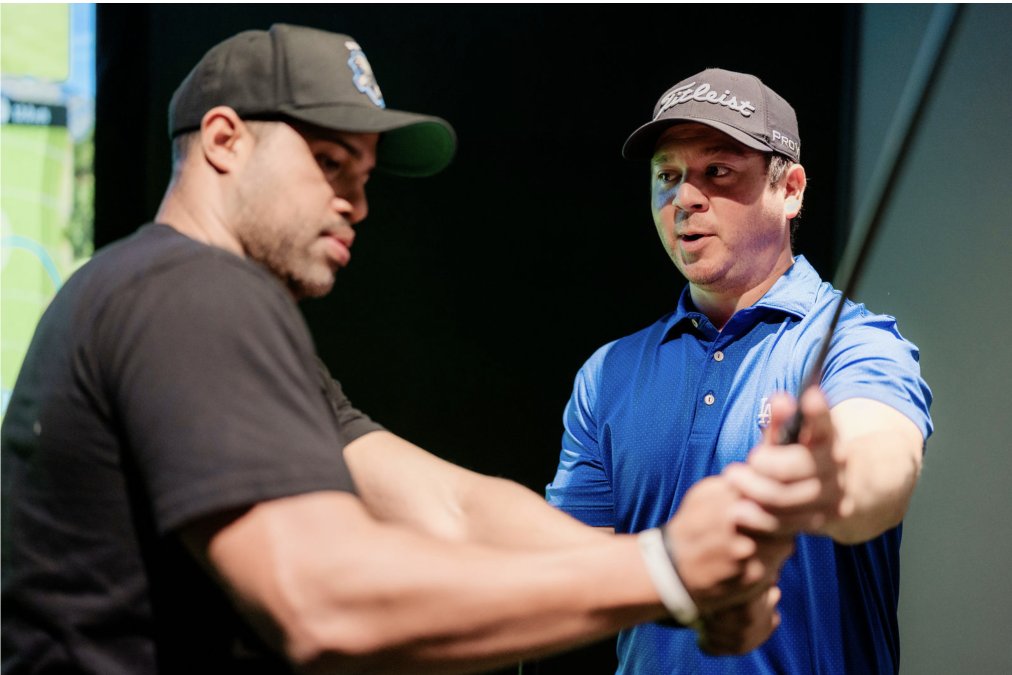
Watch out: the most common mistake is aligning the unit to the mat instead of the target line.
If you want to know why this data is worth trusting for training, read why we use Trackman for golf training.
Troubleshooting Ball Flight Accuracy by Symptom
Match your symptom to the likely cause, then fix it in order.
| Symptom | Likely Cause | Fix |
|---|---|---|
| Every shot reads left or right | Unit or target line misaligned | Re-square the unit to the target line |
| Distances read short across all clubs | Wrong ball selected or dirty ball | Select correct ball, clean it |
| Spin numbers jump around | Lighting glare or reflective object | Remove glare, clear the zone |
| Shots fail to register | Ball off the marked spot | Reset ball position on the spot |
| Carry looks right, curve looks wrong | Environmental settings off | Check altitude and wind settings |
Work top to bottom. Fix one variable, hit three shots, and check again. Changing two things at once tells you nothing.
A common mistake is chasing a fix mid-session without resetting. If the numbers still look wrong after a symptom fix, step back and re-read how the system reports data. Our guide on how to read golf simulator data covers what each metric actually means.
How Ball Type and Condition Affect Readings
Spin measurement is the most sensitive part of the chain, and the ball drives it. A scuffed or dirty ball produces inconsistent spin rates and wobbling flight paths. A clean ball, matched to the setting in the software, gives you repeatable numbers.
Ball type matters too. A soft practice ball and a premium tour ball do not spin the same way. If the software is set for one and you hit the other, your backspin and sidespin readings will drift.
So clean your ball before every session. It sounds trivial. It changes your data.
A Repeatable Validation Protocol for Your Data
Run this protocol at the start of any serious session. It separates real improvement from noise, and it tells you whether the bay is reporting honestly before you build a practice plan on top of it.
Step 1: Warm up with five easy wedge shots. The goal is to get loose and confirm the unit is registering every swing. If any shot fails to register, stop and return to the setup checklist.
Step 2: Hit ten shots with a mid-iron and record the averages. Ten is enough to see a pattern without tiring you out. Record carry, ball speed, launch angle, and spin for each shot, not just the average.
Step 3: Check dispersion, not just distance. Are misses grouped or scattered? A tight cluster with a consistent offset points to alignment. A wide scatter points to inconsistent contact or a measurement problem.
Step 4: Sanity-check the speed ratio. Compare ball speed and clubhead speed for a plausible ratio for the club in your hand. A ratio that drifts shot to shot suggests the unit is losing the clubhead through the hitting zone.
Step 5: Confirm launch angle and spin match your typical pattern. Compare against your own baseline from previous sessions, not against a tour average.
Step 6: Separate measured data from simulated flight. The simulator measures a short segment of flight, then models the rest.
Step 7: Re-test the outlier club. Note any reading that looks off, then re-test that club alone with five shots. If the outlier persists, the cause is setup or ball condition. If it disappears, it was normal shot variation.
Step 8: Account for normal variation and device tolerance. Even a correctly calibrated unit will show small shot-to-shot differences, and no launch monitor is perfectly precise. Judge the session on the pattern across ten shots, not on any single reading.
If your numbers hold steady across the ten shots, your setup is sound and you can trust the session. If they swing wildly, go back to the calibration checklist before you change anything in your swing.
Building a Practice Routine for Golf Simulator Sessions
A practice routine for golf simulator work should be short, structured, and repeatable. Thirty focused minutes beats two loose hours.
Start with a target. Pick one metric, such as distance control or shot dispersion, and build the session around it. Hit blocks of five shots, check the data, and adjust.
- Warm-up: five minutes of easy swings
- Block practice: one club, one target, ten shots
- Data review: two minutes reading the numbers
- Pressure block: simulate a shot you fear on the course
- Cool-down: five easy swings to finish clean
When you are ready to put that routine into regular practice, you can book an indoor golf simulator session and run it on your own schedule.
Golf Simulator Drills for Accuracy That Transfer to the Course
Accuracy in the bay only matters if it shows up outdoors. These drills build that bridge.
Target line drill. Pick a specific target on the screen and hit ten shots. Score yourself on how many finish within a set window of the target line. Track the number each session.
Distance control drill. Hit wedges to three different carry distances in rotation. The goal is a tight spread, not raw distance.
Visual gate drill. Set two alignment markers on the mat to create a gate for your stance and ball position. It trains consistent setup, which drives consistent shot results.
Trajectory control drill. Alternate high and low shots with the same club. Watch how launch angle and spin respond.
The 2026 indoor golf practice drills guide from our team walks through a full set of indoor practice drills if you want more structure.
Trackman data is only as good as the setup behind it. A clean bay, a square unit, and a repeatable protocol turn raw numbers into real improvement. At SVN2 Indoor Golf, our fully self-service facilities run state-of-the-art Trackman simulators, so you get a detailed breakdown of every swing on your own schedule. Community memberships for students, faculty, first responders, seniors, and veterans make regular practice more affordable. Book now with SVN2 Indoor Golf to start practicing smarter.
Frequently Asked Questions
Are golf simulators 100% accurate?
No simulator is 100% accurate, but a well-calibrated Trackman setup gets close enough that ball flight accuracy translates to the course. Radar-based systems measure club and ball data directly, then model the flight, so small variances exist in carry and total distance. What matters more is consistency: if the same swing produces the same numbers every session, the data is trustworthy for practice. At SVN2 Indoor Golf, the fixed bay layout and Trackman calibration keep readings repeatable so you can compare sessions and track real improvement.
How can I make my golf simulator readings more consistent?
Consistency starts with the setup, not the swing. Place the ball in the same spot relative to the target line every time, check that the Trackman unit is level and unobstructed, and use the same ball model throughout a session. Warm up with a few wedges before recording data so your swing is loose. Then hit ten shots with one club and check shot dispersion rather than a single result. Repeatable alignment and a fixed ball position remove most of the noise that makes readings look inconsistent.
How should I align myself on a golf simulator?
Use the projected target line as your reference, not your feet. Set the mat position so the ball sits on the target line, then build your stance around it. Many indoor bays include a marked alignment guide; use it to check shoulder and hip lines before each shot. If your ball starts consistently left or right of the target despite a square face, suspect alignment before swing mechanics. A quick check with a club laid along your toe line confirms whether your body is aimed where you think it is.
Which Trackman numbers help explain ball flight?
Start with ball speed, launch angle, and spin rate, which together shape the trajectory. Clubhead speed and angle of attack explain why those numbers look the way they do. Then check carry distance and total distance to see the outcome, and shot dispersion to judge consistency across a set. Backspin and sidespin show curve and stopping power. Reading these in that order, cause before outcome, makes it easier to diagnose a low or wayward ball flight and adjust with a purpose.