 How-to
Indoor Golf Training for Mid Handicappers at SVN2
Last Updated: November 26, 2026
Quick Summary
Indoor golf training for mid handicappers works best when each session has a specific target, a measurable outcome, and a way to check progress. SVN2's Trackman bays show ball speed, launch, spin and club path within seconds, so you can see whether each adjustment is working rather than guessing from memory.
- Pick one variable per session, such as club path or carry with a single club, and track it throughout.
- Record a baseline with your everyday driver and irons, noting average carry and the spread of your shots.
- Read face-to-path, smash factor and carry together rather than judging any one number in isolation.
- Log each session and review progress every four weeks, changing the drill if carry or dispersion stalls.
- Allocate practice time to penalties off the tee, iron contact and distance control inside 100 yards, not just the driver.
Table of Contents
- How Do Mid Handicappers Get the Most From Indoor Golf Training?
- Why Mid Handicappers Plateau and How Trackman Data Shows the Cause
- Building an Indoor Golf Simulator Practice Plan for Mid Handicappers
- Reading Trackman Numbers That Matter for Mid Handicappers
- Golf Simulator Practice Drills for Distance Control
- Golf Simulator Practice Drills for Consistent Ball Striking
- Booking Your First Mid-Handicap Session at SVN2
- Frequently Asked Questions
How Do Mid Handicappers Get the Most From Indoor Golf Training?
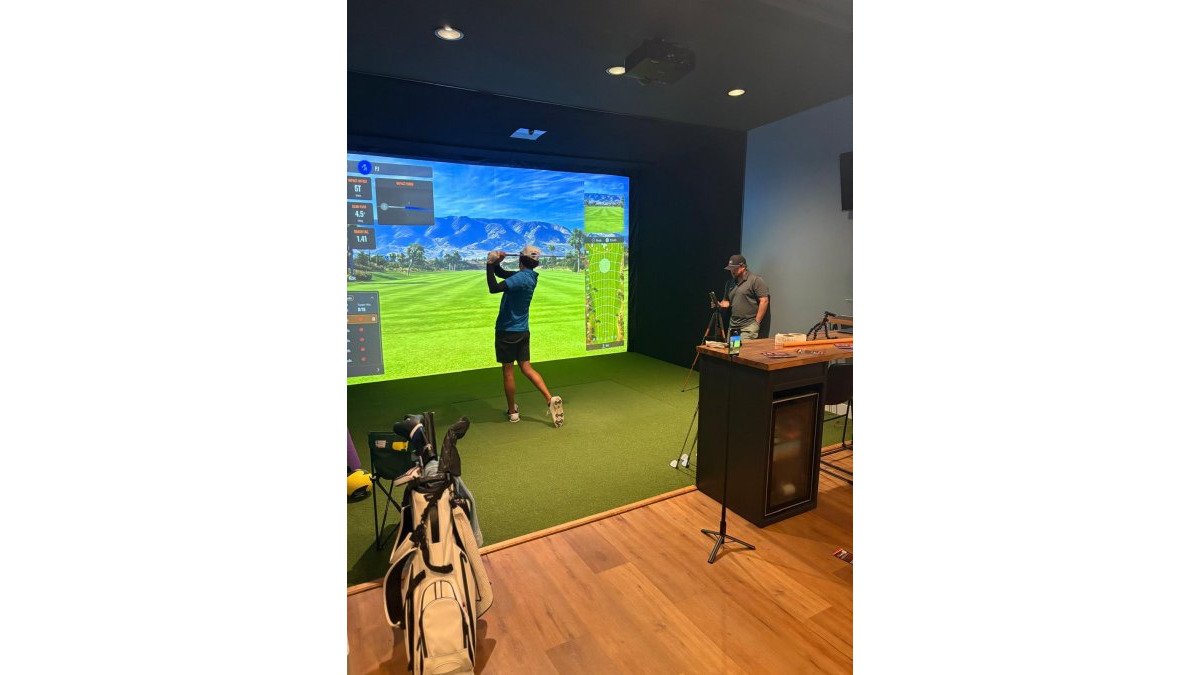
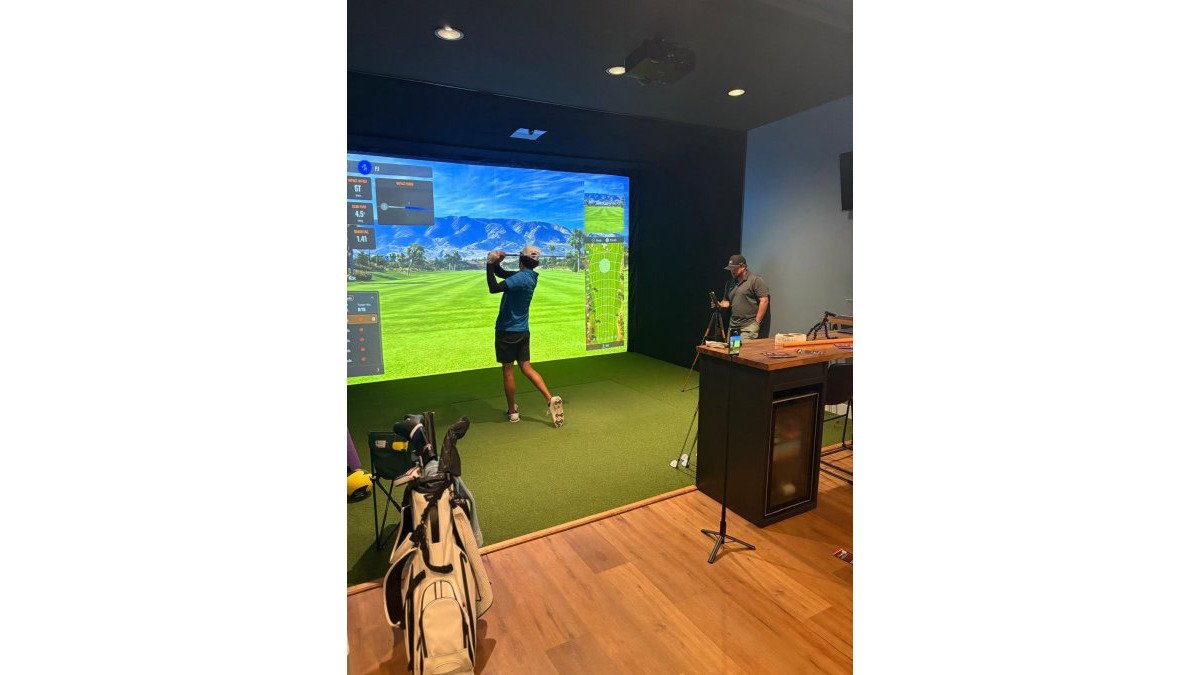
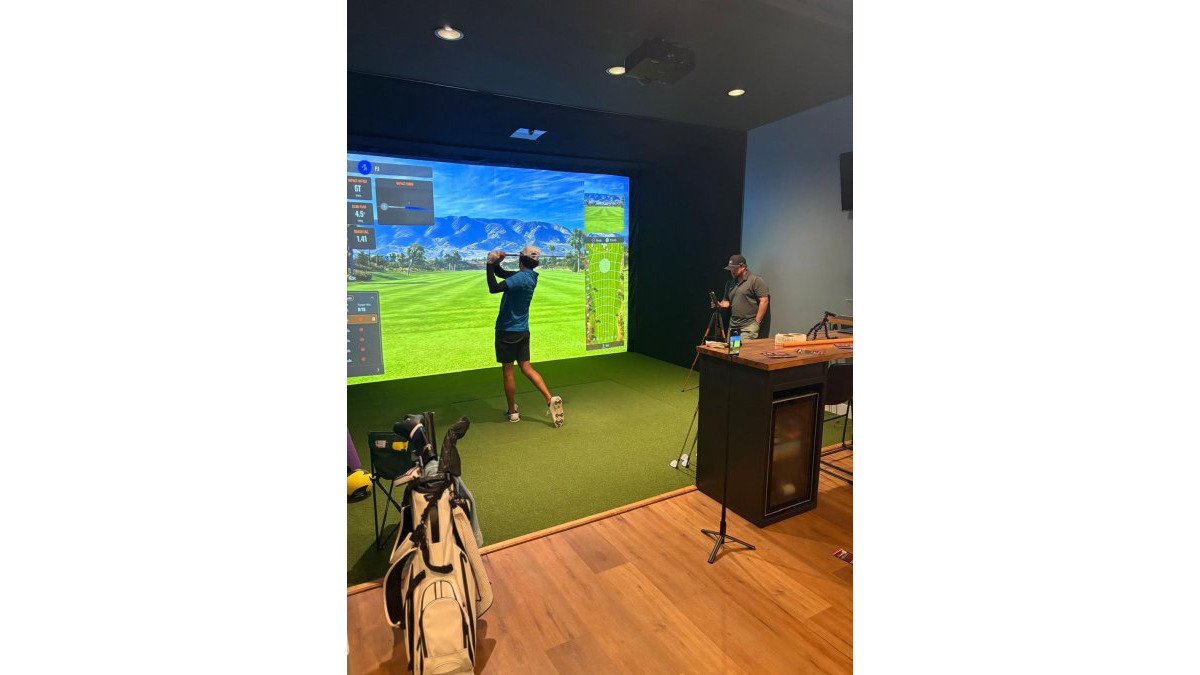
Mid handicappers often reach a point where hours on the range stop producing results. SVN2 Indoor Golf's self-service Trackman bays let you measure what the ball is doing rather than guess from memory.
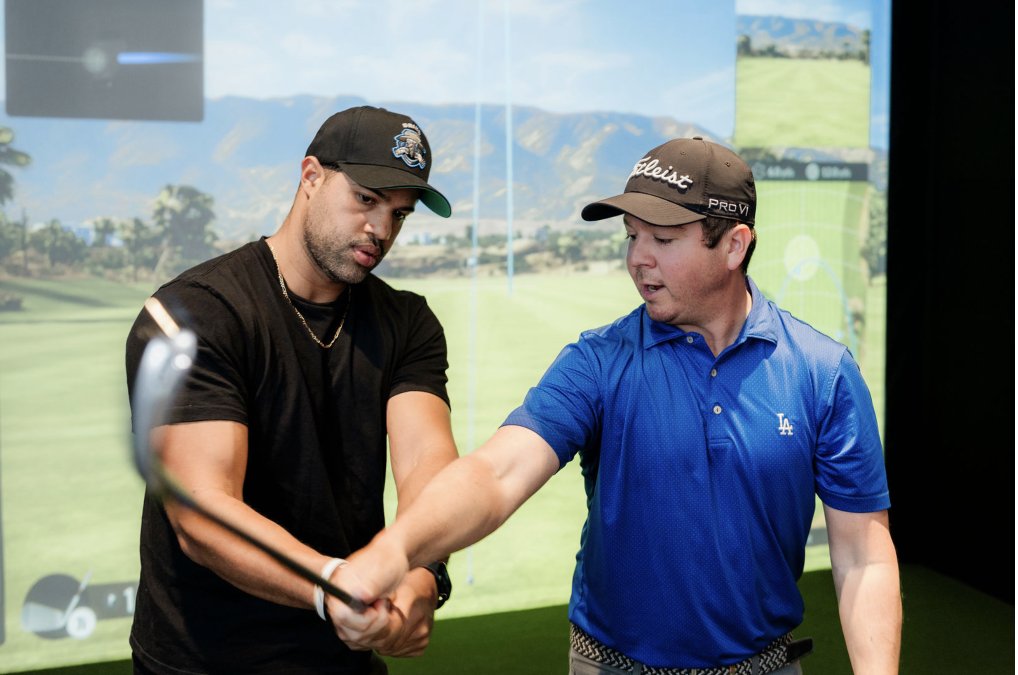
Treat each visit as a controlled experiment. Pick one variable, such as club path or carry distance with a single club, and track it across the session. Random hitting produces random feedback. Structured work produces a clear picture of what is changing.
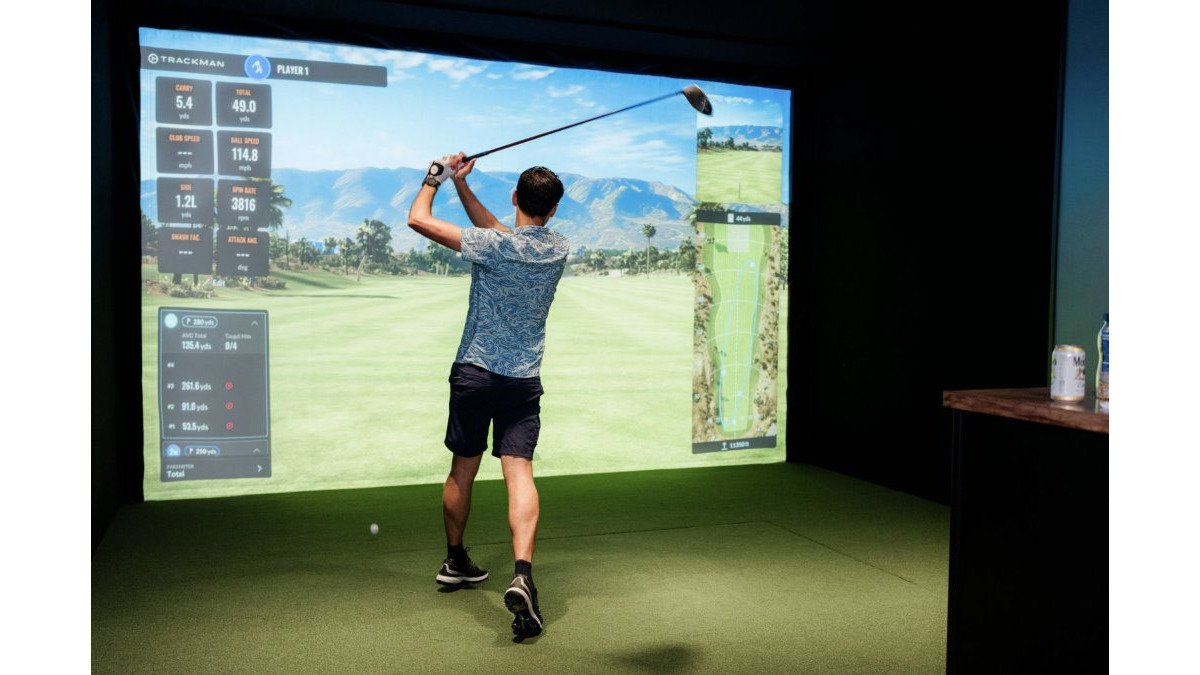
Trackman data is the core of that structure. Every shot returns numbers on ball speed, launch angle, spin and club path, so you can see the effect of each adjustment within seconds. Pay-as-you-go access means you can book a focused hour, work on one thing, and leave.
Why Mid Handicappers Plateau and How Trackman Data Shows the Cause
Many golfers in the mid-handicap range improve quickly at first, then stall. The swing feels similar, the scores hover in the same band, and practice seems to produce little movement.
Trackman makes the cause visible. A golfer who slices may find the face is open at impact by only a few degrees, while the club path explains most of the curve.
Use the data to test your assumptions. If you believe your problem is contact, check smash factor and strike location. If you believe it is direction, check face-to-path and launch direction. Changing one thing and watching the numbers respond is far more useful than repeating a swing you have never measured.
Building an Indoor Golf Simulator Practice Plan for Mid Handicappers
A practice plan turns scattered sessions into progress. For mid handicappers, the priorities are different from those of beginners or low handicappers: reducing penalty shots, improving contact consistency, and scoring inside 100 yards matter more than chasing swing speed or perfecting a draw. Indoor golf practice works well for this because conditions stay constant from session to session, which makes comparisons reliable.
Warm-Up and Baseline Session at the Bay
Begin with a short warm-up using a mid-iron, then hit 10 to 15 shots with your everyday driver and irons to set a baseline. Record average carry distance, face-to-path, and the spread of your shots. The spread matters as much as the average, because a tight group of shots is a sign of a repeatable swing.
Keep the baseline honest. Hit the shots you would normally hit, not your best ones. You need an accurate starting point before any change can mean anything.
Weekly Session Structure and Progress Tracking
A simple week might include one 60-minute session on distance control, one 45-minute session on ball striking, and one 60-minute session on course-style play. Log each session in a notebook or spreadsheet with the date, the focus, the average numbers and any notes on how the swing felt. Include the number of shots hit and the percentage that landed within your target window.
Review the log every four weeks. If carry distance or dispersion is not improving after a month of focused work, change the drill in the SVN2 bay rather than adding more sessions. Progress tracking is what separates a practice plan from simply spending time in the bay. Set a reassessment checkpoint at the end of each four-week block: repeat the baseline routine exactly in the bay and compare the numbers side by side.
Watch out: mid handicappers often add sessions when progress stalls, but more volume on the same flawed pattern reinforces the flaw. Change the variable, not the frequency.
Mid-Handicap Priorities and Common Mistakes
Mid handicappers often lose strokes in three areas: penalties off the tee, inconsistent contact with irons, and poor distance control inside 100 yards. A practice plan should allocate time to each rather than defaulting to driver swings. A common mistake is spending an entire session on the driver because it feels productive, when the scorecard damage is happening elsewhere.
Another mistake is practicing without a target. Hitting 50 balls without a specific carry number or dispersion goal produces fatigue, not improvement. Every block in the session should have a measurable outcome, whether that is landing eight of ten shots within five yards of a target or raising average smash factor by a defined margin.
Reading Trackman Numbers That Matter for Mid Handicappers
Trackman returns more numbers than most golfers need. For mid-handicap improvement, focus on a short list in priority order: face-to-path, smash factor, carry distance, launch angle, and spin rate. Each one points to a specific part of the swing and suggests a specific drill.
Priority Metrics and What They Indicate
Face-to-path is the first number to check because it explains most curvature. A face-to-path within a few degrees produces a relatively straight shot; larger gaps produce curve.
Smash factor tells you how efficiently you are transferring speed into the ball. A low smash factor often signals off-center contact even when the shot looks solid. The drill is to hit a block of shots with one iron and track strike location, adjusting setup or tempo until the average smash factor rises and the range narrows.
Carry distance and launch angle explain why a shot flies high and balloons or stays low and runs out of carry. If carry is short and spin is high, the drill is to check ball position and angle of attack with a mid-iron, then repeat until carry approaches your target number.
Reading Numbers in Pairs
Read the numbers in pairs rather than alone. A slice with a club path that is out to the left of the target and a face open to the path is a different problem from a slice with an open face and a neutral path. The pairing tells you which correction to make. Similarly, low smash factor paired with a consistent start line points to a contact issue, while low smash factor paired with a scattered start line points to a swing-path issue.
Watch out: chasing a single number in isolation can create a new flaw. If you fix face-to-path but smash factor drops, you have traded one problem for another. Always check the paired metric before declaring the change a success.
Turning a Number Into a Drill
Every metric should map to a drill you can run in the bay. If face-to-path is the priority, set a narrow target on the SVN2 Trackman screen and hit 10 shots aiming for a consistent start line, checking the number after each shot. If smash factor is the priority, hit 15 to 20 shots with one iron and track strike location, adjusting until the average rises. If carry distance is the priority, hit 10 shots aiming for a set carry number and count how many land within five yards. The number tells you what to work on; the drill tells you how.
The numbers below show which metric to check first and what each one points to in the swing.
| Metric | What it indicates | Bay drill |
|---|---|---|
| Face-to-path | Explains most curvature; a few degrees gives a relatively straight shot | Rehearse a squarer face through impact and watch the number respond |
| Smash factor | How efficiently speed transfers into the ball; low values signal off-center contact | Hit 15-20 shots with one iron and track strike location |
| Carry distance | Shows whether the shot is short or long for the club | Hit 10 shots aiming for a set carry and count landings within five yards |
| Launch angle | Explains why a shot flies high or stays low | Check ball position and angle of attack with a mid-iron |
| Spin rate | Shows whether a high or low flight is costing carry | Compare spin against launch when carry is short |
Golf Simulator Practice Drills for Distance Control
Distance control is where most mid handicappers lose strokes, because the difference between a 150-yard shot and a 140-yard shot is often a matter of consistent speed and strike. Simulator sessions let you hit the same club repeatedly and see exactly how far each shot travels.
Start with a single club, such as a 7-iron. Hit 10 shots aiming for a set carry number, then check how many land within five yards of the target. Adjust one element, such as tempo or ball position, and repeat the block.
Next, rotate through three distances, for example 100, 130 and 160 yards with different clubs. Trackman's carry and spin data show whether you are hitting the same shot each time or varying your strike. This drill builds the feel for speed that transfers to the course.
Golf Simulator Practice Drills for Consistent Ball Striking
Consistent ball striking depends on contact, and contact is where the simulator is most useful. Smash factor and strike location show you whether the ball is leaving the face cleanly, which is the foundation of every other number.
Hit a block of 15 to 20 shots with one iron and track smash factor on each. Look for a higher average and a narrower range rather than a single best shot.
A second drill pairs ball striking with direction. Set a narrow target on the screen and aim for a consistent start line. The combination of contact and direction data shows whether a better strike is also producing better accuracy, which is the real measure of improvement.
Booking Your First Mid-Handicap Session at SVN2
Booking a first session is simple. Choose a time that fits your schedule, arrive with a plan for the session, and bring your baseline targets so you can measure progress from the first shot. SVN2 Indoor Golf's Trackman bays are fully self-service, so you can work through your focus without waiting on staff.
Plan to start with the baseline routine described above, then move into a distance or striking drill. Review your numbers at the end of the session and record them. Your second visit is where the trend begins to show.
Book your first session through the SVN2 Indoor Golf website for current availability and a Trackman bay for a focused block of practice.
Frequently Asked Questions
How should a mid handicapper structure an indoor golf practice session?
Start with a short warm-up using a 7-iron, then hit a baseline set of 10 to 15 shots and record carry distance and face-to-path numbers on the Trackman screen. Spend the middle of the session on one focused drill, such as controlled-distance wedge shots, and finish by reviewing the data from that block. Keeping the same order each visit makes it easier to see whether your numbers are improving over several weeks at SVN2.
Which Trackman numbers should a mid handicapper focus on?
Most mid handicappers gain the most from carry distance consistency, club path, and face-to-path, since these explain both how far the ball travels and where it starts. Track the spread between shots with the same club rather than chasing a single best number. Looking at smash factor and launch angle alongside these helps explain why strike quality changes from session to session.
How often should a mid handicapper practice on a golf simulator?
Two sessions per week of roughly 60 minutes each is a practical starting point for most mid handicappers booking time at SVN2. Keep one session for baseline data and skill work and the other for course-style play on the simulator. Because the facility is pay-as-you-go, you can adjust frequency around your schedule. Current session pricing is available on the SVN2 website.
Can I use simulator data to improve distance control?
Yes. Hit five to ten shots with a single wedge to a target distance, then review the carry numbers and their spread on the Trackman screen. Adjust your swing length rather than your effort and repeat the drill until your average carry lands close to the target with a tighter spread. Recording these results each visit shows whether your distance control is actually improving over time.