 ultimate-guide
Indoor Golf Simulator Accuracy Explained
Table of Contents
- How Golf Simulators Measure Data
- Key Metrics for Golf Simulator Accuracy
- Impact vs. Flight: How Simulators Track Your Shot
- Why Do I Hit Shorter on a Simulator
- How to Read Trackman Data for Better Performance
- Golf Simulator vs Real Course Yardage: What's the Difference
- Calibration, Consistency, and Environmental Factors
- Frequently Asked Questions
Last Updated: September 27, 2026
How Golf Simulators Measure Data
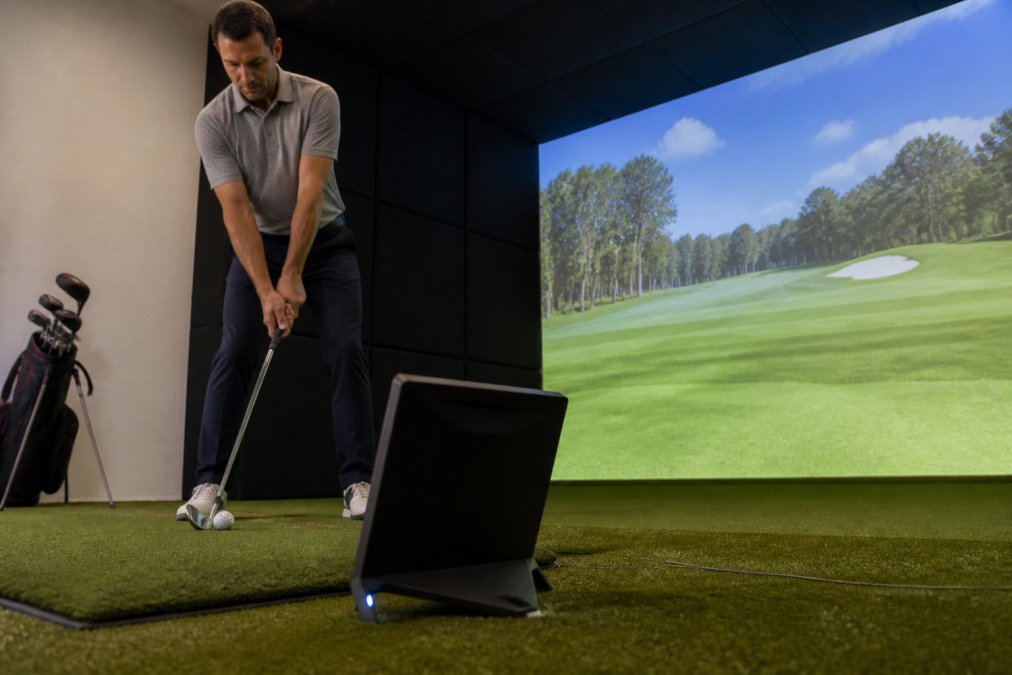
Golf simulators don't guess. They measure. A launch monitor like Trackman captures ball flight data through sophisticated sensor technology, typically using either photometric systems or Doppler radar to track your shot from the moment of impact through its entire trajectory. The system records dozens of data points in milliseconds, then processes that raw information through algorithms designed to predict where your ball would land on a real course.
The measurement process starts at impact. High-speed cameras or radar sensors detect the ball's initial velocity, the club's angle of attack, and the face angle at contact. From there, the launch monitor calculates derived metrics like smash factor (the efficiency of energy transfer from club to ball) and projects the ball's flight path based on atmospheric conditions you input into the system. SVN2 Indoor Golf uses Trackman simulators specifically because they deliver this level of precision without requiring you to understand the technical backend. You hit the ball, the data appears on screen, and you immediately see what happened.
The accuracy of this measurement depends heavily on calibration. A simulator that hasn't been properly calibrated will report data that doesn't match reality, which is why consistency matters as much as raw measurement capability. If your simulator reports the same swing data every time you repeat an identical swing, you have consistency. If that data also matches what would happen on a real course, you have accuracy. Those are two different things, and understanding the distinction changes how you interpret your results.
Key Metrics for Golf Simulator Accuracy
Ball Speed and Smash Factor
Ball speed is the velocity of the golf ball immediately after impact, measured in miles per hour. A driver swing might produce ball speeds between 120 and 180 mph depending on your swing speed and club quality. The simulator measures this directly, and this measurement is typically one of the most reliable data points because it's captured at the moment of impact when variables are most controlled.
Smash factor is ball speed divided by club speed. A driver with a smash factor around 1.48 to 1.50 indicates solid contact. A smash factor below 1.40 suggests you're not transferring energy efficiently, either because of poor contact or swing mechanics. The simulator calculates this automatically, but understanding what it means matters. You can have high ball speed with poor smash factor if your club speed is exceptionally high but your contact is inconsistent. SVN2 Indoor Golf's Trackman system displays both metrics side by side, so you can diagnose whether you're generating power or wasting it.
Launch Angle and Spin Rate
Launch angle is the vertical angle at which the ball leaves the club face, measured in degrees. For a driver, optimal launch angles typically range from 12 to 16 degrees depending on your swing speed and the course conditions you're simulating. Too low, and you lose distance. Too high, and the ball balloons and lands short.
Spin rate measures the ball's rotation in revolutions per minute. A driver should produce spin rates between 2,000 and 3,000 RPM for most golfers. Higher spin rates create more carry but also more air resistance. Lower spin rates reduce distance but can produce a penetrating ball flight. The simulator tracks this through either radar technology or camera-based systems that detect the ball's rotation. The relationship between launch angle and spin rate determines your ball flight trajectory. A high launch angle with high spin rate produces a steep descent angle. Low launch angle with low spin rate produces a flatter, more penetrating flight.
Impact vs. Flight: How Simulators Track Your Shot
The measurement happens in two phases. The impact phase captures data at the moment of contact: club speed, face angle, club path, angle of attack, and ball position at impact. This phase lasts milliseconds. The flight phase begins once the ball leaves the club face and continues until the simulator projects where it lands.
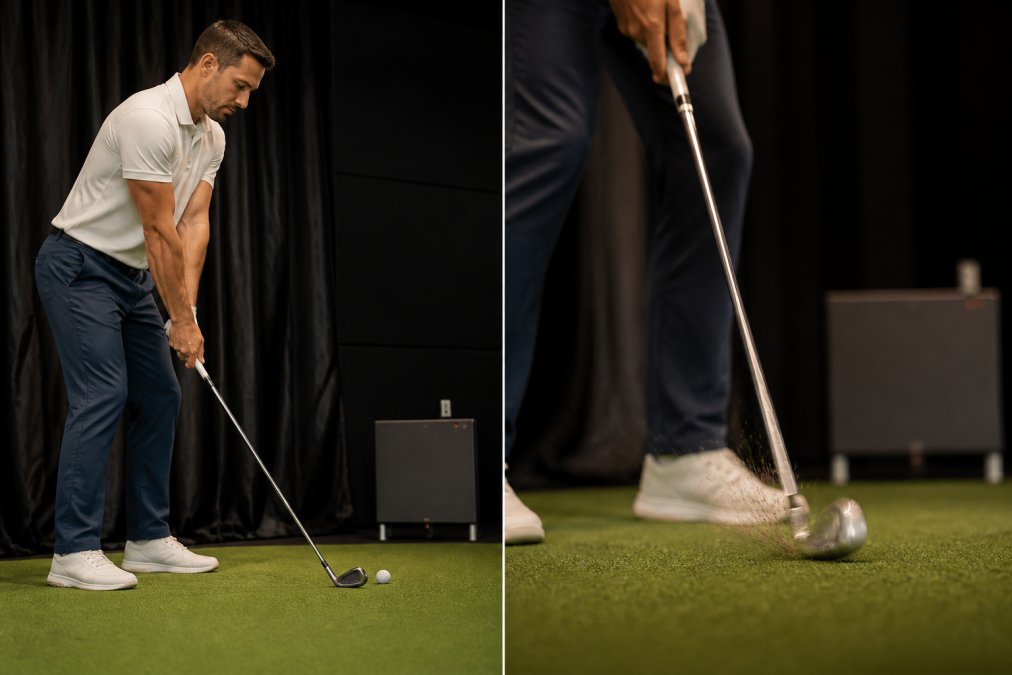
Here's where accuracy gets tricky. The impact data is measured directly by the launch monitor's sensors. The flight data is calculated using algorithms that account for atmospheric conditions, ball characteristics, and physics. If you input the wrong elevation or humidity, the flight projection can be significantly off even if the impact data is perfect. A simulator in an indoor facility at sea level will project different carry distances than the same swing would produce at 5,000 feet elevation.
This is why comparing simulator distance to real-world distance requires context.
Why Do I Hit Shorter on a Simulator
This is the most common complaint, and it usually stems from three factors: environmental settings, mat interaction, and psychological differences between indoor and outdoor golf.
How to Read Trackman Data for Better Performance
Trackman displays dozens of data points after each swing. Most golfers focus on carry distance and total distance, but those numbers are less useful for improvement than the metrics that reveal what your swing is actually doing.
Golf Simulator vs Real Course Yardage: What's the Difference
Your 150-yard shot on the simulator might be 140 yards on the course. This isn't simulator inaccuracy. It's physics and context.
Calibration, Consistency, and Environmental Factors
Simulator accuracy depends on three things: proper calibration, consistent swing mechanics, and accurate environmental settings.
Frequently Asked Questions
How accurate are indoor golf simulators compared to real-world play?
Modern launch monitors like Trackman use photometric and Doppler radar technology to capture ball speed, launch angle, spin rate, and club path with high precision. Most simulators have a margin of error of 1-3% on key metrics. However, perceived accuracy differences often stem from environmental settings, mat interaction, and calibration rather than sensor limitations. The real-world correlation depends on proper setup and understanding that indoor conditions, mat compression, lighting, and ball compression settings, differ from outdoor play.
Why do I hit shorter on a simulator than on a real course?
Several factors explain shorter yardages indoors. Mat compression absorbs energy differently than turf, reducing smash factor. Indoor simulators may use conservative altitude adjustments or default environment settings that don't match your actual course conditions. Swing mechanics can feel different on a mat, affecting angle of attack and face angle. Finally, psychological factors play a role: indoor environments lack wind, slope feedback, and the sensory cues of outdoor play, which can alter your natural swing. Calibration and proper environment settings help close this gap.
What does Trackman data tell me about my swing?
Trackman captures six key data points: ball speed, smash factor, launch angle, spin rate, club path, and face angle. Ball speed combined with smash factor reveals club efficiency. Launch angle and spin rate determine ball trajectory and carry distance. Club path and face angle show shot shape, whether you're hitting a fade, draw, slice, or hook. Side spin and back spin rates indicate consistency and control. Understanding these metrics helps you identify swing flaws: a low smash factor suggests poor contact, while misaligned club path and face angle reveal directional issues. This data is far more actionable than distance alone.
Why do golf simulators show different yardages than the course?
Simulators measure carry distance and total distance based on ball flight physics, launch angle, spin rate, and ball speed. Real courses include variables simulators can't fully replicate: wind, elevation changes, ground firmness, and atmospheric conditions. Additionally, environment settings in the simulator (altitude, temperature, humidity, ball compression) must match your actual playing conditions. If your simulator is set to sea level but you play at elevation, yardages will differ. Data normalization versus raw data also matters: some simulators adjust for conditions, others don't. Proper calibration and matching your environment settings to your course eliminates most discrepancies.
How often should I calibrate my simulator for accuracy?
Calibration frequency depends on usage. High-traffic facilities should calibrate launch monitors monthly or quarterly to maintain consistent accuracy. Mat wear affects impact zone detection, so mats showing visible compression need replacement or recalibration. Before using a simulator for serious swing analysis, verify it's been calibrated recently. Many facilities perform daily checks on sensor alignment. If you notice sudden changes in your data, yardages dropping 10-15 yards unexpectedly, request recalibration. Proper maintenance protocols ensure your data remains reliable for tracking progress and identifying swing changes.
Can simulator data from an indoor facility actually improve my real-world game?
Yes, but with caveats. Trackman data reveals mechanical issues, swing path, face angle, spin rate, that directly transfer to the course. You can practice correcting a slice or improving smash factor indoors and see immediate results outdoors. However, outdoor play adds variables simulators don't capture: wind response, slope management, and pressure. Use simulator data to fix fundamentals, then validate those improvements on the course. The best approach combines indoor precision training with outdoor play. Consistency in your swing metrics, stable ball speed, repeatable launch angle, controlled spin rate, is what transfers. Chasing raw distance numbers indoors without mechanical improvement won't help on the course.
What's the difference between photometric and Doppler radar technology in simulators?
Photometric systems use high-speed cameras to track ball flight and club movement, capturing detailed trajectory data. Doppler radar measures ball velocity and direction using radio waves, excelling at capturing spin rate and side spin. Most advanced simulators like Trackman combine both technologies for comprehensive data. Photometric is excellent for shot dispersion and tracking consistency; Doppler radar provides real-time velocity feedback. The combination captures the full picture: where your ball goes, how it spins, and how your club is moving. This dual approach is why modern simulators achieve high accuracy across all key metrics.
Should I worry about the psychological impact of playing indoors versus outdoors?
Yes. Indoor play lacks wind, slope feedback, and natural lighting cues that influence your decision-making and swing feel. Many golfers swing differently indoors, often more aggressively or with altered tempo, because the environment feels safer. This psychological factor can mask or exaggerate real swing issues. Use indoor simulator data as a diagnostic tool, not a complete game measure. If your indoor metrics are strong but your course performance lags, the gap is often psychological or environmental adjustment, not mechanical. Combine simulator training with outdoor play to build confidence and ensure your swing translates to real conditions.