 blog
Affordable Indoor Golf Practice Sessions at SVN2
Last Updated: November 17, 2026
Quick Summary
Affordable indoor golf practice means paying only for the bay time you use, in a self-service facility built around accurate data. At SVN2 Indoor Golf, every bay has Trackman simulators, so you can hit, review your numbers and leave when your session goal is met.
- A focused block of 45 to 60 minutes is a sensible starting point at SVN2.
- Work on one goal for 20 to 30 minutes, such as tightening dispersion with a 7-iron.
- Review trends across your last 10 to 15 shots rather than reacting to one outlier.
- Compare pay-as-you-go and membership costs per practice hour, including extras like club rental.
- A membership makes sense if you book three or more sessions a month.
Table of Contents
- What Affordable Indoor Golf Practice Actually Looks Like
- How Long an Indoor Golf Practice Session Should Be
- Using a TrackMan Golf Simulator for Practice
- Comparing Pay-As-You-Go Sessions and Packages
- Indoor Golf Simulator Practice for Every Skill Level
- When an Indoor Golf Facility Membership Makes Sense
- Booking Your First Session at SVN2
- Frequently Asked Questions
What Affordable Indoor Golf Practice Actually Looks Like
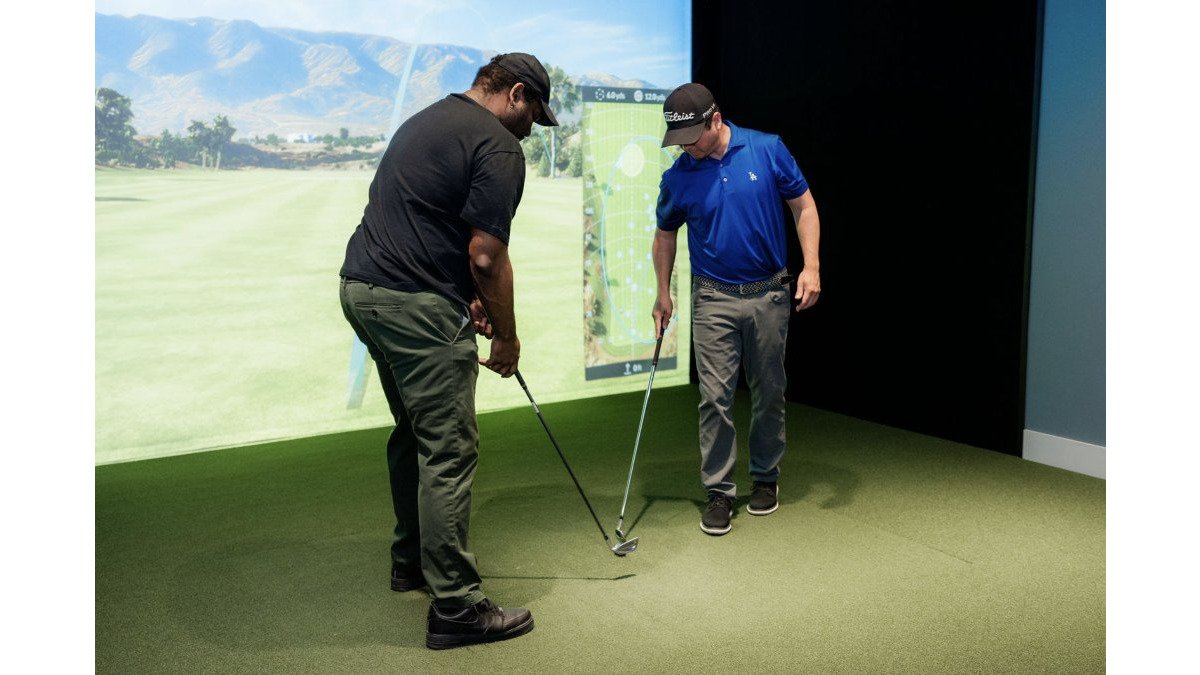
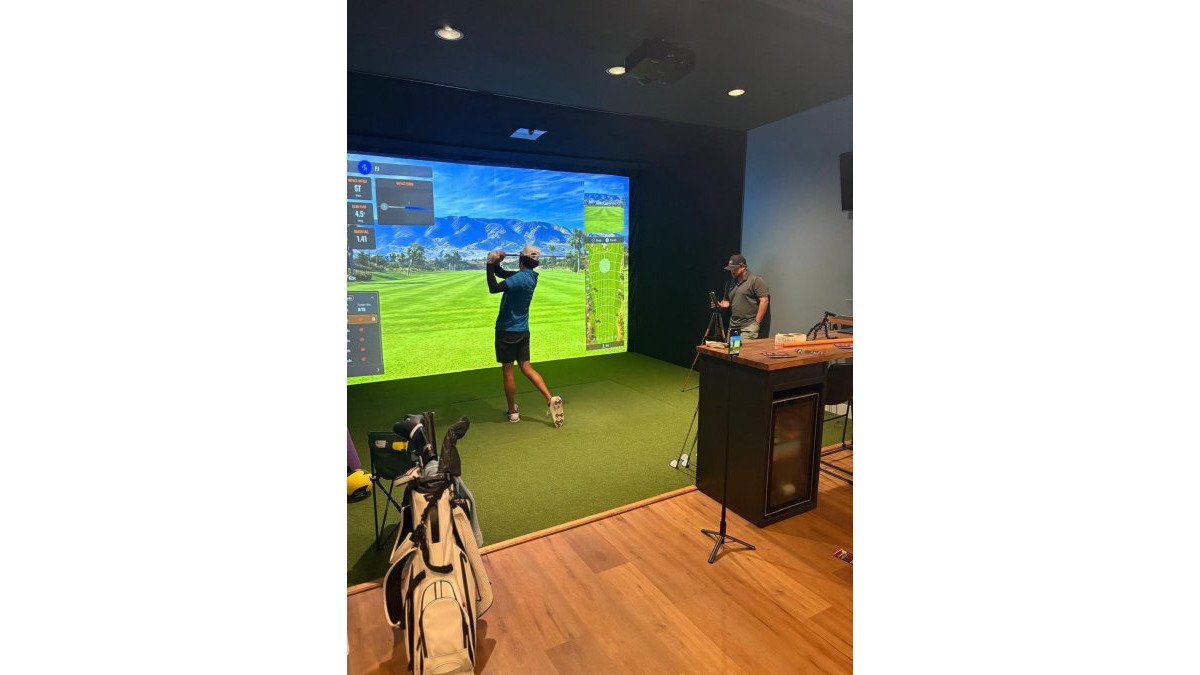
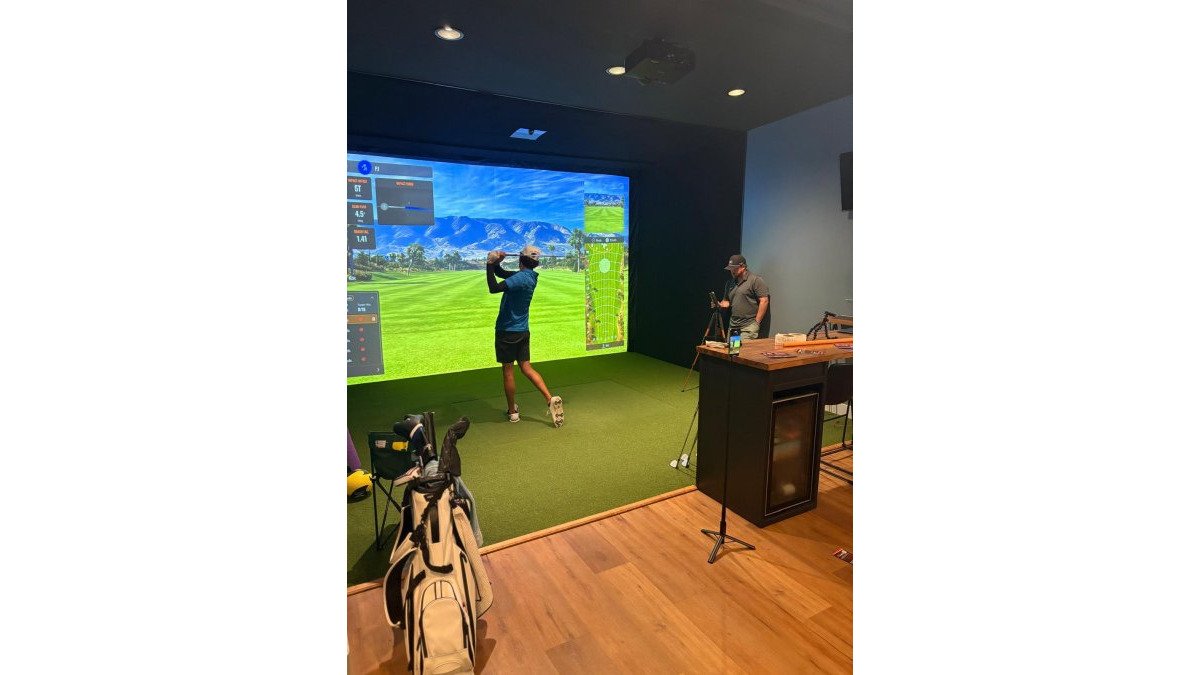
Affordable indoor golf practice means paying only for the time you use, in a facility built around accurate data. At SVN2 Indoor Golf, every bay is fully self-service and equipped with Trackman simulators, so you can hit and review your numbers on your own schedule.
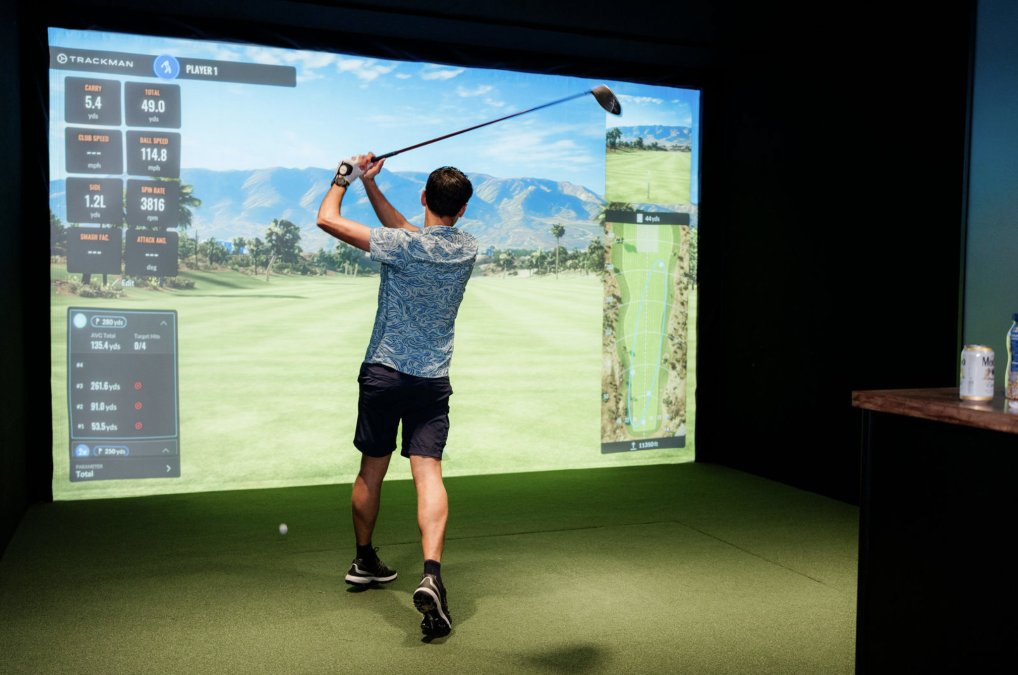
Indoor practice gives you control over your session. You decide when you practice, what you work on and how long you stay. You can focus on yardage gapping in one session and swing mechanics in the next, without paying for a round you do not need.
Here is what a practical indoor session looks like at SVN2:
- You book a bay and start hitting with Trackman tracking every shot.
- You review carry distance, ball speed and launch data after each group of swings.
- You adjust one variable at a time and check whether the numbers move.
- You leave when your goal for the session is met, not when a clock runs out.
A session with a clear goal helps you make the most of your bay time.
How Long an Indoor Golf Practice Session Should Be
Most productive sessions run long enough to work on one goal and see the data change, but not so long that fatigue distorts your swing. For many golfers, a focused block of 45 to 60 minutes is a sensible starting point at SVN2.
A good structure looks like this:
- Warm up for about 10 minutes. Start with short wedges and build up to full swings.
- Work on one goal for 20 to 30 minutes. For example, tighten your dispersion with a 7-iron or check whether your driver launch angle is consistent.
- Review the data for 5 minutes. Look at the trends across your last 10 to 15 shots, not one outlier.
- Finish with a short test. Hit five to ten swings with the same club to confirm whether the change held.
Longer is not always better. Once your ball speed or face angle starts drifting, the data stops telling you something useful. Stop, take a break and come back for a shorter session if needed.
Using a TrackMan Golf Simulator for Practice
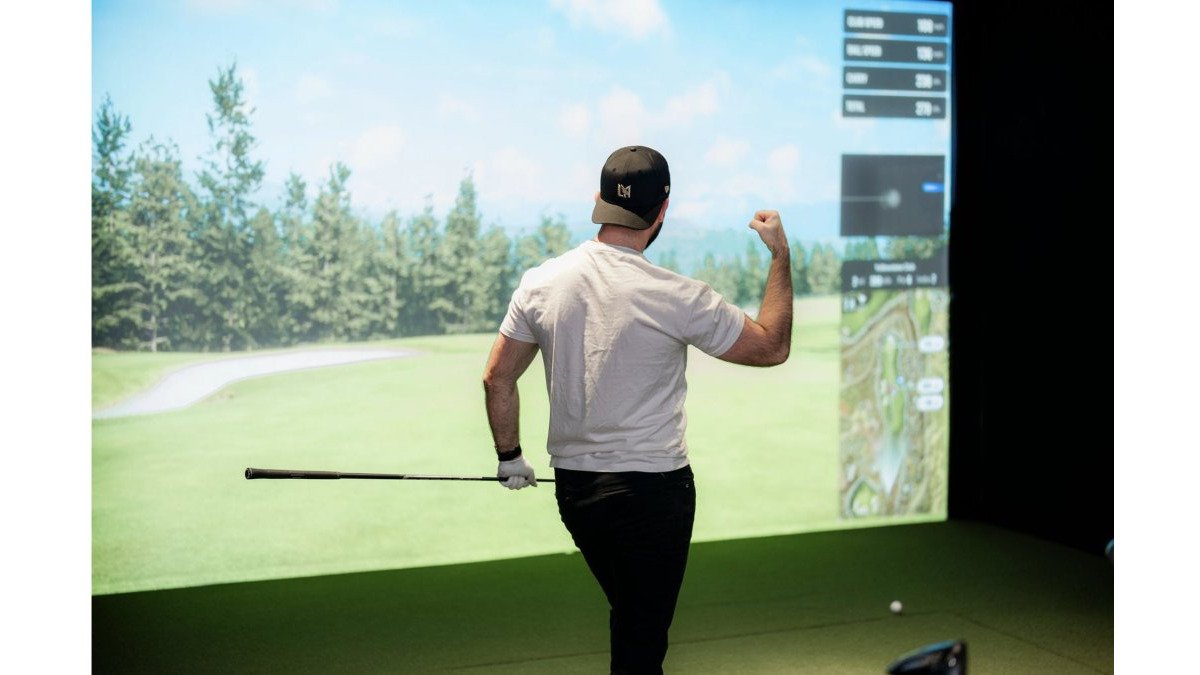
The TrackMan simulators at SVN2 give you detailed shot data. Each shot shows ball speed, launch angle, spin rate, carry distance and face-to-path information, which lets you see why a shot went where it did.
The most useful way to use that data is to pick one metric and track it over several shots. If you are working on consistency with your 6-iron, watch whether carry distance stays within a tight window across ten swings. A single good or bad shot tells you little. A pattern tells you what to change.
Start by asking three questions after each group of shots:
- Is the spread in carry distance getting smaller?
- Is the launch angle matching what you intended?
- Did the face angle at impact improve, or did the path change?
Answering those questions turns raw numbers into a practice plan you can actually follow.
Comparing Pay-As-You-Go Sessions and Packages
Matching your practice schedule to the time you book helps you use the facility efficiently. SVN2 offers a pay-as-you-go approach to bay time. Pricing depends on the time you book, so check the SVN2 Indoor Golf website for current rates. You can compare pay-as-you-go and membership costs side by side before you decide.
Here is how the formats break down on the factors that drive true cost:
| Factor | Pay-as-you-go | Session packages | Membership |
|---|---|---|---|
| Upfront commitment | None, book one bay at a time | Prepaid block of sessions | Recurring monthly commitment |
| Cost per session | Highest per hour | Drops as the block size grows | Lowest per hour with steady use |
| Best for | Testing a swing change, tournament prep, occasional visits | A defined practice block, such as a 6- to 8-week build | Weekly or more practice on a fixed schedule |
| Risk | None if you skip a month | Unused sessions in the block | Paying for time you do not use |
| Booking flexibility | Book any open bay | Usually book within the block window | Often includes priority or recurring bay time |
What Is Included in a Session and What Costs Extra
Before comparing formats, separate what comes with bay time from what is billed separately. At SVN2, a standard session includes the self-service bay, full Trackman simulator access and the shot data review tools built into the bay. Club rental, extended bay time beyond your booked block and any add-on coaching are typically separate line items. Peak-time bookings can also carry a different rate than off-peak slots. When you price a format, add those extras in, a package that looks cheaper per hour can lose its edge if you routinely rent clubs or book at peak times.
How to Normalize the Comparison
Sticker prices are hard to compare across formats because they are quoted in different units, per hour, per session, per month. Normalize them to a single number: cost per practice hour.
- Estimate your realistic monthly hours. Count the sessions you will actually book, not the ones you hope to. A golfer who practices twice a month for an hour is a 2-hour-per-month golfer.
- Convert each format to a per-hour figure. Divide the package or membership price by the hours it covers. For pay-as-you-go, the hourly rate is already the unit.
- Add the extras you will actually use. Club rental, peak-time surcharges and any coaching add-ons belong in the total.
- Compare the per-hour totals, not the upfront totals. A membership with a higher monthly outlay can still be the cheapest per hour if you use it consistently.
Watch out: a package only beats pay-as-you-go if you use most of the block. Unused sessions raise the effective per-hour cost of the ones you do use, sometimes above the pay-as-you-go rate.
Ways to Reduce the Cost of Indoor Practice
- Keep sessions short and focused. A session with one clear goal keeps your practice on track.
For current rates, check SVN2 Indoor Golf's website or contact the facility directly, since rates can change.
Indoor Golf Simulator Practice for Every Skill Level
Indoor simulator practice works for every skill level, but the affordable version looks different depending on where you are in the game. Match the session format to your skill level and practice goal to get the most out of each visit at SVN2.
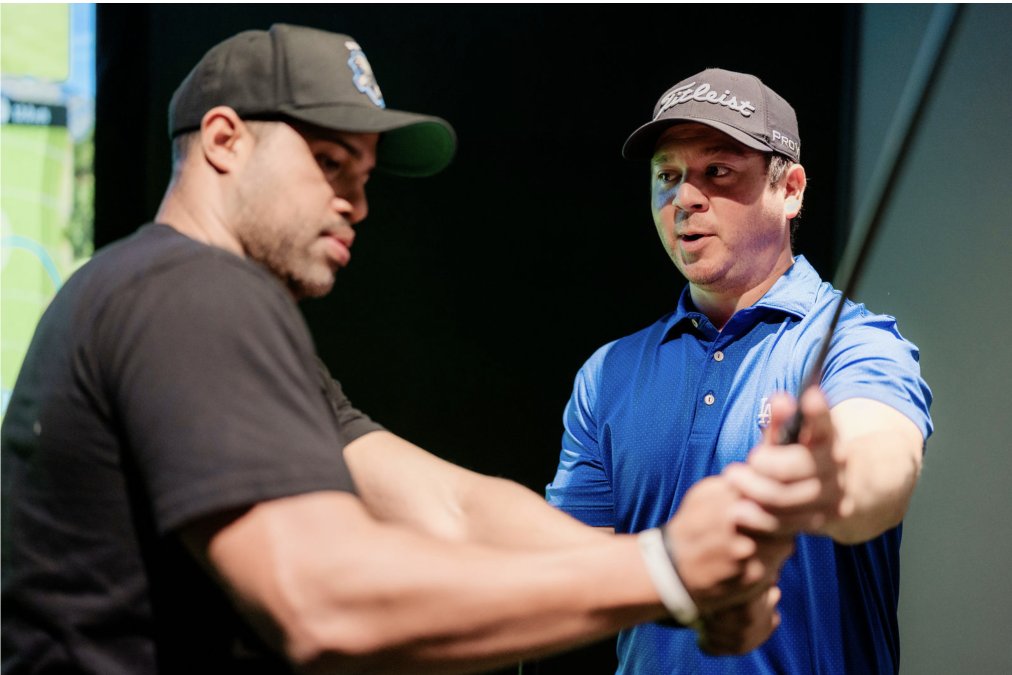
Beginners: Build Contact and Distance First
New golfers should keep sessions short, 30 to 45 minutes is plenty, and focus on two metrics: carry distance and launch angle. The goal is a repeatable stock yardage for each club, not a tight dispersion pattern. A practical beginner plan at SVN2:
- Warm up with 10 short wedges.
- Hit 15 shots with one mid-iron and note the average carry distance.
- Hit 15 shots with one wedge and note the average carry distance.
- Finish with 10 drivers, watching only launch angle.
That session uses one bay booking, produces a usable yardage chart and gives you a baseline to compare against next visit.
Occasional Players: One Goal Per Session
Golfers who play a few times a month should treat each session as a single experiment. Pick one variable, ball position, grip pressure, tee height, and change only that. Hit 20 to 30 shots with the same club and watch whether the target metric moves. A 45-minute bay booking covers this comfortably. One goal per session keeps each visit focused. Keeping the same club and target metric makes it easier to judge whether golf training accessories help you repeat the setup consistently from one session to the next.
Frequent Golfers: Dispersion and Yardage Gapping
Players who practice weekly or more can use the simulator for the work a driving range cannot support: measuring dispersion and gapping every club. A productive 60-minute session:
- Hit 10 shots per club through the bag and record average carry and lateral spread.
- Identify any two clubs whose carry distances overlap or leave a gap larger than about 10 yards.
- Spend the remaining time on the two clubs with the widest dispersion.
- Finish with a five-shot test per club to confirm the numbers held.
This session format lets you build a yardage chart and a dispersion profile over repeated visits.
Measuring Progress Across Sessions
Whatever your level, the affordable path is to track a small number of targets rather than every metric the simulator reports. A simple progress log with three columns, date, metric, average over the last 10 shots, is enough. Useful targets by skill level:
- Beginners: average carry distance per club, launch angle consistency.
- Occasional players: lateral dispersion on the club you are working on.
- Frequent golfers: carry-distance spread within a club, and yardage gaps between clubs.
Watch out: judging progress from a single shot or a single session is misleading. Compare the average of your last 10 shots against the average from your previous visit, not your best shot against your worst.
Matching Format to Skill Level
Pay-as-you-go bay time suits short, infrequent sessions. Returning players after a long layoff can start with short sessions focused on two clubs.
When an Indoor Golf Facility Membership Makes Sense
A membership makes sense when you practice regularly enough that the monthly cost is lower than paying per visit. Count your typical month: if you book three or more sessions a month, compare the membership price against your pay-as-you-go total before deciding.
Memberships also suit people who want to keep practice on a fixed schedule. Having a regular bay time makes it easier to build habits, track progress over months and avoid losing momentum between seasons.
If you only practice a few times a year, pay-as-you-go is usually the better choice.
Booking Your First Session at SVN2
Booking your first session is straightforward. Choose a time that fits your schedule, reserve a bay and arrive a few minutes early to get set up. Because the facility is self-service, you can start hitting as soon as you are ready.
Before your first visit, decide on one goal. It might be checking your yardage with each club, tightening your dispersion or testing a swing change. A clear goal keeps the session focused and gives the data something specific to measure.
When you finish, take a few minutes to note the numbers that mattered most. Compare them with your next session to see whether your practice is moving you forward. To book your first session, visit the SVN2 Indoor Golf website and reserve a bay at a time that suits you. Follow a step-by-step booking guide to reserve your first simulator session.
Frequently Asked Questions
How much does an indoor golf practice session cost?
Pricing at SVN2 Indoor Golf is pay-as-you-go, so the cost of a session depends on how much time you book and the plan you choose. SVN2 has not published fixed rates in this planning brief, so the most accurate figure is the current price listed on the SVN2 website or the quote you receive when you book. Comparing the hourly cost against a membership or package shows which option stretches your budget furthest for your practice schedule.
How long should an indoor golf practice session be?
A focused indoor golf practice session at SVN2 can be as short as 30 minutes, which fits a lunch break or a gap between meetings. Longer sessions of an hour or more allow you to work through a full range of clubs and review your shot data between sets.
Can beginners use a TrackMan golf simulator at SVN2?
Yes. The TrackMan simulators at SVN2 Indoor Golf record ball flight and swing data, and beginners can use the same bay as experienced players. You do not need to understand every number on screen to get value from a session. Start by focusing on one or two metrics, such as carry distance or club path, and build from there as you become more comfortable reading the data.
Is pay-as-you-go indoor golf practice worth it?
Pay-as-you-go suits golfers who practice irregularly or want to try the facility before committing to a plan. It lets you pay only for the time you use. Check the SVN2 website for current rates before deciding.