 Comparison
Is 3D Swing Analysis Worth It for Amateur Golfers?
Last Updated: November 24, 2026
Quick Summary
3D swing analysis is worth it for amateurs who want to understand the mechanics behind their swing, not just where the ball goes. It is most valuable for golfers who have plateaued and want measurable data on club path, speed and launch. Casual players who only want to hit balls for fun will get little from it.
- Choose one specific goal, such as reducing a slice, before the session begins.
- Compare averages across a set of about ten shots, not a single outlier swing.
- Change only one factor at a time so you can tell what actually helped.
- Mid-handicap golfers with a concrete problem typically get the most value.
- Trackman at SVN2 measures club and ball data together on every shot.
Table of Contents
- Is 3D Swing Analysis Worth It for Amateurs?
- 3D Swing Analysis vs 2D Video: Side-by-Side Comparison
- How Accurate Is 3D Golf Swing Analysis?
- What TrackMan Golf Swing Data Measures
- How to Interpret Golf Swing Data Without Getting Overwhelmed
- Pros and Cons of 3D Data by Skill Level
- Booking Your First Session at SVN2 Indoor Golf
- Frequently Asked Questions
Is 3D Swing Analysis Worth It for Amateurs?
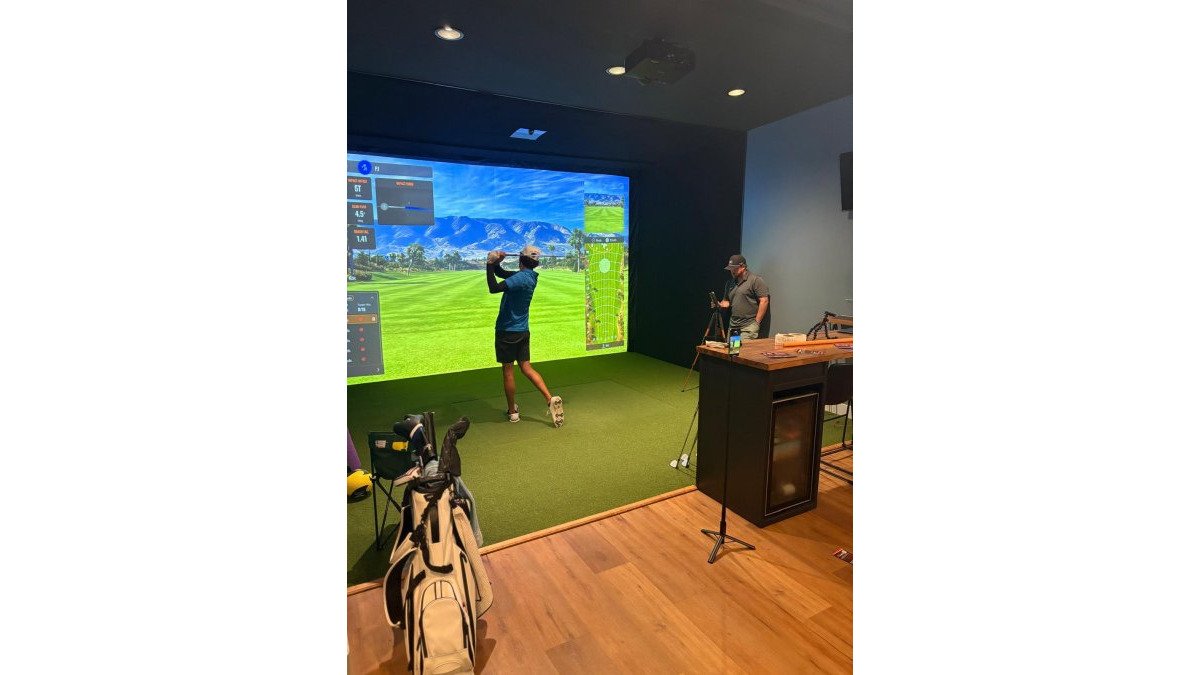
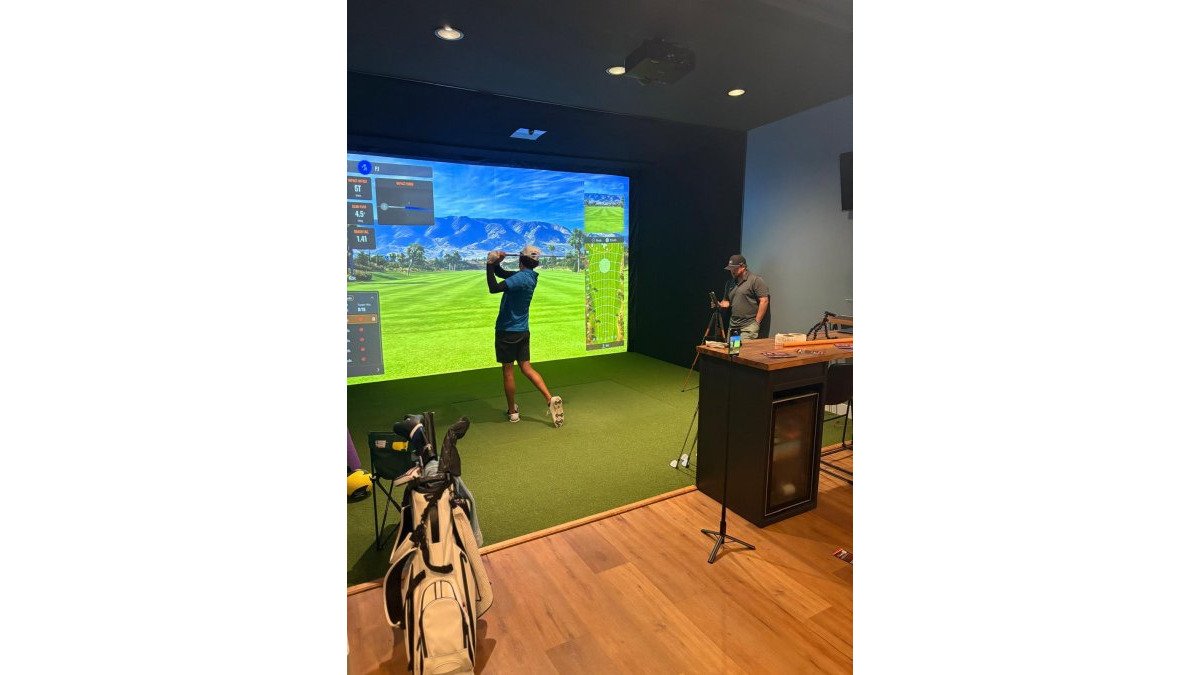
3D swing analysis is worth it for amateurs who want to see exactly what their body and club are doing, not just how the ball flies. It helps golfers look at the mechanical causes behind a slice, a loss of distance or inconsistent contact. For a golfer who has plateaued after years of playing the same way, that level of detail is the real value. At SVN2 Indoor Golf, our simulators provide detailed swing data you can review during a practice session.
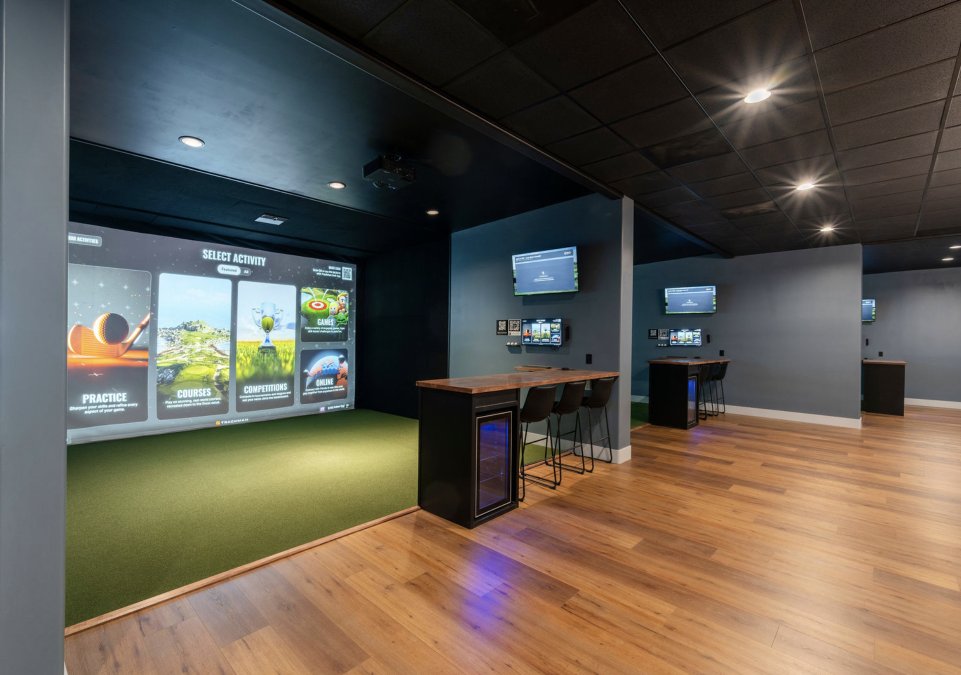
The honest answer depends on what you expect from it. Golfers who only want to hit balls for fun will get little from the numbers. Golfers who want to understand why their swing behaves the way it does will get a lot. a peer-reviewed study of 85 amateur golfers examining 3D kinematic and kinetic swing patterns showed how much measurable variation exists between players, even at the amateur level. That variation is exactly what 3D analysis is designed to reveal.
3D Swing Analysis vs 2D Video: Side-by-Side Comparison
Traditional 2D video shows you a flat image of your swing from one or two angles. It is useful for spotting obvious issues, such as an early head rise or a flat shoulder turn. What it cannot show is depth, rotation speed across the body, or how joint angles change through the swing sequence.
3D analysis tracks the body and club in three dimensions, so it can measure joint angles, swing sequence and timing directly. The table below summarizes the practical differences.
| Factor | 2D Video Analysis | 3D Swing Analysis |
|---|---|---|
| Views captured | One or two camera angles | Full three-dimensional capture |
| Joint angle measurement | Estimated by eye | Measured numerically |
| Swing sequence timing | Limited, frame-by-frame | Detailed, data-driven |
| Feedback speed | Playback after recording | Immediate data after each swing |
| Typical cost to try | Often free with a phone | Paid session at a simulator facility |
3D analysis gives you numbers you can compare from one session to the next. That comparison is where much of its value lies for amateurs.
How Accurate Is 3D Golf Swing Analysis?
3D analysis is a tool for guidance, not a perfect measurement of your swing. Capture quality, camera setup and how the data is interpreted all affect the result.
Researchers have used 3D kinematics to study golfers' rotational mechanics, including work that compared professional and amateur players a 2022 PMC study using 3D kinematics on 16 golfers. That research supports the use of 3D motion data for swing study. It does not guarantee that every figure on a screen will translate into the same result on a course, so use the data to spot patterns across several swings rather than reacting to a single number.
What TrackMan Golf Swing Data Measures
TrackMan is the core of our simulator setup. It measures both the club and the ball, so you see how the strike you made connects to the shot you got. Common metrics include club speed, ball speed, launch angle, spin rate, carry distance and club path.
Those numbers are most useful when you read them together. A high spin rate paired with a steep club path, for example, tells a different story than either number alone. The Trackman data at SVN2 Indoor Golf helps you zone in on specific yardages.
How to Interpret Golf Swing Data Without Getting Overwhelmed
Many amateurs find the first session overwhelming. There are a lot of numbers, and it is easy to chase the wrong one. The real skill is turning a handful of measurements into one or two changes you can make during a session at SVN2 Indoor Golf.
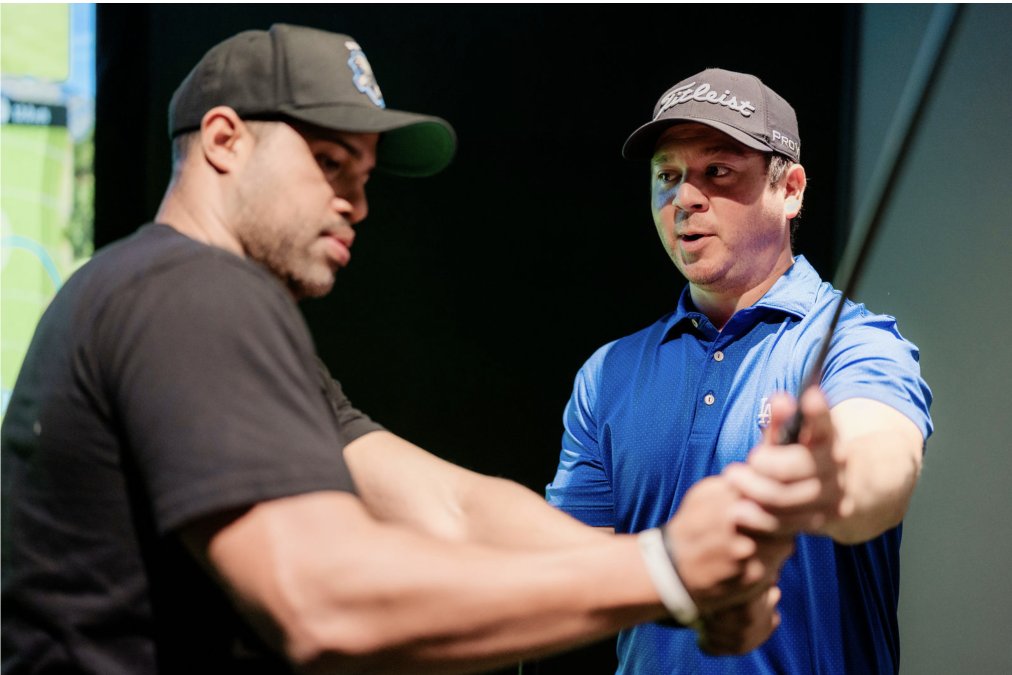
A simple method helps.
- Pick one goal before you start. For example, "reduce my slice" or "hit my 7-iron 10 yards farther." Write it down so you do not drift.
- Look at the metrics tied to that goal. For a slice, that usually means club path and face angle at impact. For distance, it means club speed, ball speed, and launch angle. Ignore the rest for now.
- Compare averages, not single shots. One swing can be an outlier. A set of ten shows the real pattern. At SVN2, the Trackman data lets you review a series of shots.
- Change one thing at a time. Adjust one factor, then check whether the related numbers move. If you change your grip and your stance at the same time, you will not know which one helped.
- Write down what you learned. A short note after each session keeps the next one focused.
The step most golfers skip is the translation from number to action. A club path that is consistently several degrees outside-in, for example, points to a swing direction problem, not a grip problem.
Watch out: reacting to a single outlier shot can send you chasing a problem that does not exist. If one swing shows a strange number but the next nine are consistent, trust the pattern, not the outlier.
Reading data is a skill.
Pros and Cons of 3D Data by Skill Level
Most articles treat "amateur" as one group. In practice, the value of 3D data changes sharply depending on handicap, how often you practice, and what you are trying to fix. The framework below is the one we use at SVN2 Indoor Golf when a golfer asks whether a session is worth their time.
Higher-handicap beginners (roughly 25+ handicap): The main benefit is learning how the swing actually works, because feel and reality often diverge at this stage. The main risk is information overload. A beginner who tries to track ten metrics at once will usually leave more confused than they arrived. At SVN2, the practical approach is to pick one number, such as club path, and use the session to see how it changes across a bucket of balls. The cost is justified when the goal is basic awareness, not a full swing rebuild.
Mid-handicap amateurs (roughly 10-24 handicap): This group typically gets the most value from 3D data. You already have enough swing consistency for the numbers to mean something, and you likely have a specific problem, such as a slice, inconsistent contact, or a distance gap, that the metrics can isolate. A mid-handicapper who plays weekly and practices occasionally will usually find that two or three focused sessions at SVN2 reveal a pattern they could not see on video. The cost is justified when you have a concrete problem and the discipline to work on one change at a time.
Low-handicap and serious players (roughly 9 handicap or better): Detailed data on sequence and timing can refine an already solid swing. At this level, the value shifts from diagnosis to optimization: small changes in how the body rotates or how the club delivers the face can produce meaningful gains. The cost is easier to justify when you practice regularly and track progress over months. A single session is rarely enough; the value comes from comparing data across multiple visits to SVN2.
Casual social players: For a relaxed round with friends, the data may add little. Playing for fun without the analytics is a perfectly good choice, and there is no rule that says every golfer needs a data dashboard. The cost is not justified if you are not trying to change your swing.
A simple decision rule: if you can name the specific problem you want to solve and you are willing to work on it across at least two sessions, 3D data is likely worth it. If you cannot name the problem, start with a round at SVN2 and see whether a pattern emerges before committing to analysis.
Booking Your First Session at SVN2 Indoor Golf
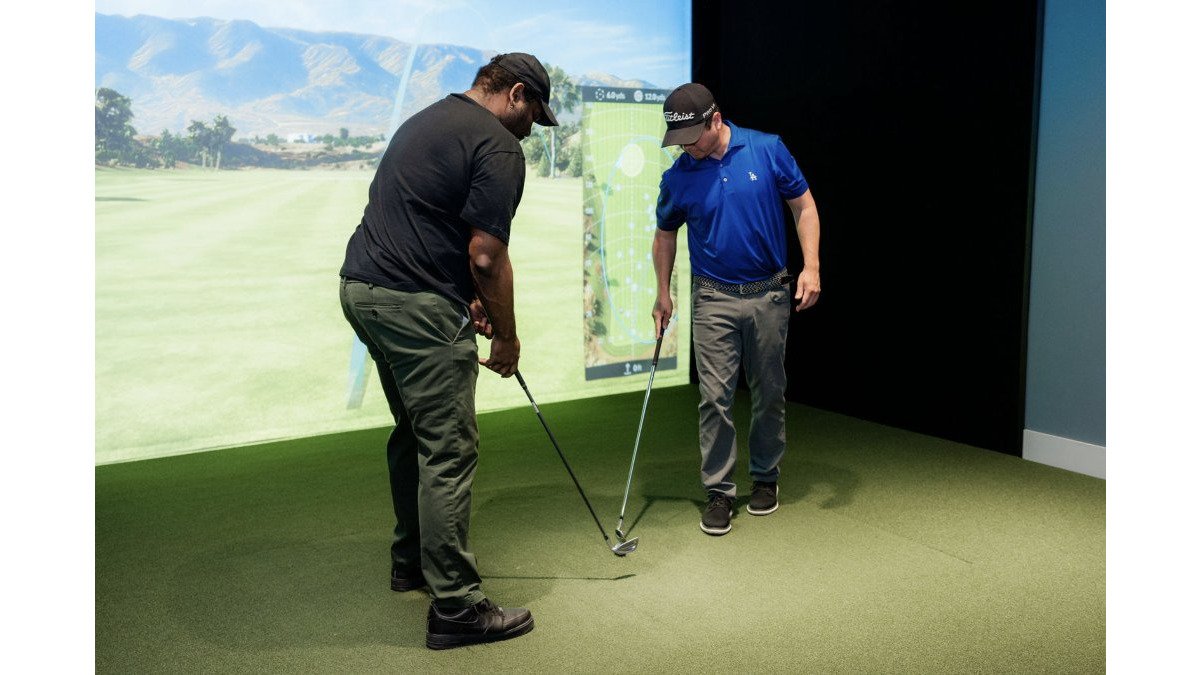
SVN2 Indoor Golf is fully self-service and designed for pay-as-you-go use, so you can book time around your schedule. Our step-by-step guide to a typical session shows what to expect once you arrive. Our simulators use Trackman, giving you detailed swing data on every shot, and you can decide how much time you want to spend on analysis versus simply playing a round with friends.
Before you book, decide what you want from the session. Choose one goal, bring it into the bay, and use the data to check your progress.
Ready to see your own numbers? Book your first session at SVN2 Indoor Golf and start working on your swing with data you can actually use.
Frequently Asked Questions
Is 3D golf swing analysis worth it for amateur golfers?
It depends on what you need from a session. 3D analysis records joint angles, body movement, and swing sequence in far more detail than a phone video, which helps when you are trying to find a specific cause of inconsistent contact. Amateurs who only want a general sense of their swing may get enough from a short video review. Golfers who have plateaued and want to see exactly what their body and club are doing will usually find the detail useful, provided they plan to act on the data rather than just collect it.
How accurate is 3D golf swing analysis?
3D systems capture motion from multiple angles, which gives them more precise measurements of joint positions and timing than single-angle 2D video. Accuracy still depends on the setup, the calibration of the equipment, and how the measurements are interpreted. Simulator-based systems like TrackMan provide ball flight and club data. Treat the numbers as reliable indicators of trends across sessions rather than as exact absolutes for every individual swing.
What can 3D swing analysis tell you that video cannot?
A 2D video shows the swing from one camera angle, so depth, rotation, and timing across body segments are hard to judge accurately. 3D analysis measures joint angles and the sequence of body movements in three dimensions, which makes it possible to see how the hips, torso, and arms interact during the downswing. This is the detail that helps explain why a shot is starting left or coming out high.
How do I interpret golf swing data after a session?
Start with one or two metrics that match the shot problem you noticed, such as club path or face angle for a slice. Compare the numbers across several swings rather than reacting to a single outlier. Look for patterns that repeat, then choose one change to work on during your next session at SVN2 and check whether the same metric moves in the right direction. Trying to fix every number at once usually leads to confusion.