 how-to
Can Indoor Golf Help Lower Your Handicap? 2026 Guide
Table of Contents
- Why Indoor Golf Is a Serious Handicap Tool
- Golf Simulator Practice: How to Structure Sessions That Lower Scores
- Golf Simulator Swing Analysis: Which Metrics Actually Matter
- Your Indoor Golf Training Plan: A Week-by-Week Framework
- How to Fix a Golf Slice Indoors
- Short Game and Putting: Where Handicaps Drop Fastest
- Common Simulator Practice Mistakes That Stall Progress
- Transferring Simulator Gains to the Course
- Frequently Asked Questions
Last Updated: October 9, 2026
Why Indoor Golf Is a Serious Handicap Tool
Can indoor golf help lower handicap? Yes, and the reason is simple: it removes the variables that wreck outdoor practice. Weather, bad lies, slow play, and range balls that fly nothing like your gamers all add noise.
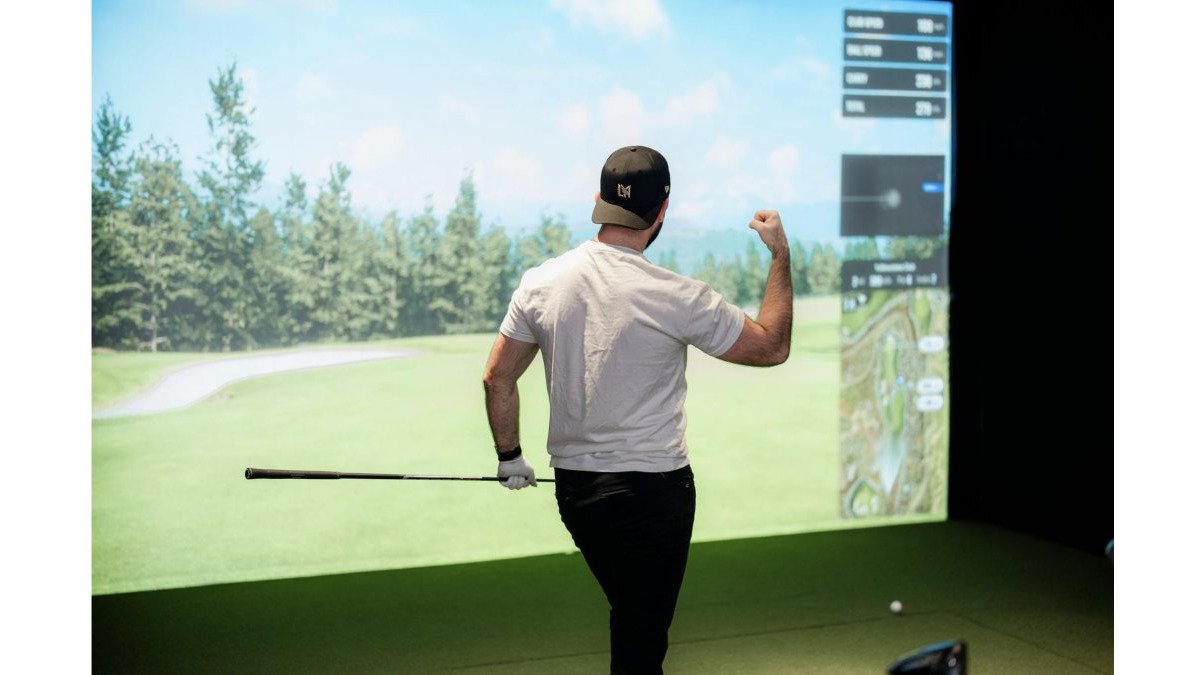
Indoor golf is golf played into a screen that tracks your club and ball through impact. It is not a video game with a golf skin. Modern systems measure what the ball actually did, then show you why.
The catch: a simulator only helps if you practice with a plan. Hitting balls for an hour with no goal builds nothing. Below, we break down exactly how to structure sessions, which metrics matter, and how to move your gains outdoors.
Golf Simulator Practice: How to Structure Sessions That Lower Scores
A productive golf simulator practice session runs 45 to 60 minutes and follows a fixed structure: warm up, work one skill, test it under pressure, then cool down. Random hitting feels productive but changes nothing. Structured reps change everything.
Here is the framework we recommend:
- Warm-up (10 min): Easy wedges, then mid-irons. No targets, just tempo.
- Skill block (20 min): Pick ONE thing. A path issue, a distance gap, a slice. Nothing else.
- Pressure block (15 min): Play simulated holes. Score counts.
- Review (5 min): Check your data against last session.
The one-thing rule matters most. Golfers who chase five fixes in one session fix none of them.
Session Length, Frequency, and Measurable Timelines
Two or three sessions a week beats one marathon session. Muscle memory forms through repetition spaced over time, not through volume on a single day.
A realistic timeline for most golfers:
- Weeks 1-2: Learn what your numbers actually are.
- Weeks 3-6: Groove one swing change. Expect it to feel wrong.
- Weeks 7-10: Pressure-test the change in simulated rounds.
- Weeks 11-12: Take it to the course and track your scores.
Some golfers see movement sooner. Others need longer. The point is to measure, not to rush.
Golf Simulator Swing Analysis: Which Metrics Actually Matter
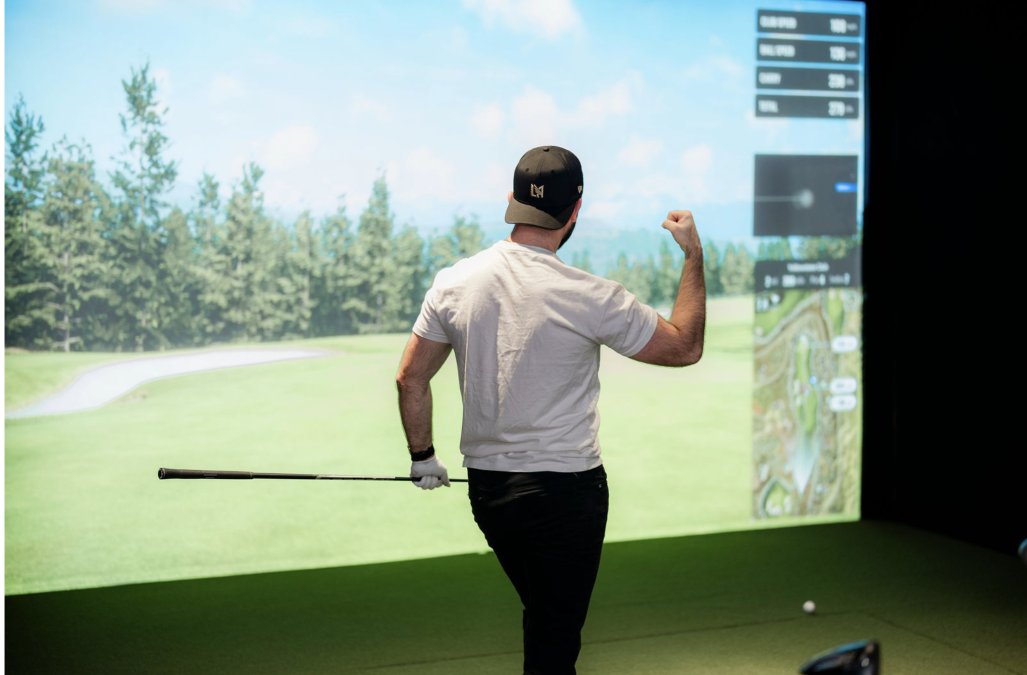
Most golfers who practice indoors drown in numbers. A modern bay at SVN2 Indoor Golf can display two dozen data points per swing, and trying to fix all of them at once is the fastest way to stall. For handicap purposes, four metrics do the heavy lifting: club path, face angle, smash factor, and carry distance. Learn to read those four and you will understand your ball flight better than most players at your course.
The Four Metrics That Move Your Handicap
Club path is the direction the clubhead travels through impact, measured in degrees relative to your target line. A positive number means the club is moving right of target at impact; a negative number means left.
Face angle is where the clubface points at the moment of impact, also in degrees. This is the single biggest driver of starting direction. If your face is open to your path, the ball curves right.
Smash factor is ball speed divided by clubhead speed. It measures how efficiently you transferred energy into the ball.
Carry distance is how far the ball flies before it lands. This is the number you actually use on the course, because roll varies wildly with fairway conditions.
How to Read the Numbers Without Getting Overwhelmed
Start with ball flight, then work backward. If the ball curves right, check face angle first, then path. If it flies low and short, check launch angle and spin. If it feels solid but goes nowhere, check smash factor.
A practical sequence for a SVN2 session:
- Hit five baseline shots and note your average path and face.
- Identify the one number furthest from neutral.
- Change one setup or feel cue and hit five more.
- Compare the new average to the baseline.
- Only then move to the next metric.
Do not try to read every metric at once. The data is a conversation, not a report card. One number, one change, one comparison.
Connecting Metrics to On-Course Outcomes
This is where most simulator practice falls apart. A number only matters if you can name the shot it fixes.
- Path too far left + face open: Your slice. On the course this shows up as lost balls right and short, weak approach shots.
- Path too far right + face closed: Your hook. On the course this shows up as pull-hooks into trouble on the left.
- Low smash factor with driver: You are losing 15 to 25 yards off the tee without swinging slower. Fix strike location before chasing speed.
- Inconsistent carry distance: Your approach shots come up short or long even when you strike it well. Build a carry chart and trust it.
When you can look at a number and immediately name the on-course miss it causes, you are ready to fix it. Until then, you are just collecting data.
Your Indoor Golf Training Plan: A Week-by-Week Framework
An indoor golf training plan works best as a 12-week block with a clear goal at the end. Vague intentions produce vague results. Pick a target, such as breaking 90 or dropping your handicap index by two strokes, and build backward from it.
| Phase | Weeks | Focus | Sessions per Week |
|---|---|---|---|
| Baseline | 1-2 | Capture your real numbers | 2 |
| Build | 3-6 | One swing change | 3 |
| Test | 7-10 | Simulated rounds under pressure | 2-3 |
| Transfer | 11-12 | On-course play and review | 2 plus rounds |
Notice the build phase gets the most reps. That is where the change sticks. The test phase is where you find out if it holds up when a score is on the line.
How to Fix a Golf Slice Indoors
Learning how to fix a golf slice indoors comes down to one insight: a slice is almost always an open face with an out-to-in path. You cannot feel that outdoors. Indoors, the simulator shows you both numbers on every swing.
The fix follows a sequence:
- Confirm the face angle at impact.
- Check whether your path is cutting across the ball.
- Change ONE variable, usually the face, and watch the curve.
- Repeat until the ball starts left of your target line.
Most golfers discover their slice is a face problem, not a path problem. That single realization saves weeks of wasted practice.
Short Game and Putting: Where Handicaps Drop Fastest
Short game and putting are where handicaps fall fastest, and they are the most under-practiced skills in golf.
Use the simulator for:
- Distance control: Hit 20 wedges at three set yardages. Track your dispersion.
- Chipping: Practice carry and roll ratios for your go-to chip.
- Putting: Groove a repeatable stroke and check your start line.
Set a target and score yourself. If you miss, the data tells you whether it was distance or direction.
Common Simulator Practice Mistakes That Stall Progress
The biggest mistake is treating the simulator like a driving range with a screen. Range habits produce range results. Here is what stalls progress:
- No goal for the session. You leave with tired arms and no new information.
- Chasing every metric at once. You change too much and learn nothing.
- Ignoring the data when it disagrees with you. The numbers are not wrong.
- Never playing simulated rounds. Pressure exposes what practice hides.
- Practicing only what you are already good at. Comfort feels productive. It is not.
Fix these and your sessions start compounding.
Transferring Simulator Gains to the Course
Simulator gains transfer to the course when you practice the conditions you will actually face. Flat, perfect lies build a swing that only works on flat, perfect lies. The gap between your indoor scores and your outdoor scores is real, and it is predictable. Close it deliberately.
Why Simulator Scores Differ From On-Course Scores
A simulator removes four variables that add strokes outdoors:
- Lie variation. Every shot indoors is from a flat mat. On the course, you face uphill, downhill, sidehill, rough, and sand.
- Weather. Wind, rain, and temperature change ball flight. Indoors, conditions are constant.
- Pressure. A simulator round has no playing partners watching, no money on the line, no first-tee nerves.
- Course strategy. A simulator cannot fully replicate reading greens, choosing targets, or managing your miss around hazards.
A Method for Closing the Gap
At SVN2 Indoor Golf, we recommend a deliberate transfer protocol rather than hoping gains show up on the course.
- Build a carry chart indoors. Hit 10 shots with each club and record average carry and dispersion. This becomes your on-course reference.
- Practice your pre-shot routine indoors. Every shot in a simulated round should include a full routine: alignment, breath, target selection. Do not just rake another ball over.
- Play simulated rounds on courses that punish your miss. If you slice, play a tight tree-lined track. If you hook, play a course with water left. Force yourself to manage the miss under score pressure.
- Set a target score indoors, then a realistic outdoor target. If you shoot 78 indoors, aim for 82 outdoors on a similar course. Track both.
- Review the gap after each outdoor round. Which strokes were lost to conditions, nerves, or strategy? Those are your next indoor practice priorities.
What Transfers Well and What Does Not
Not every skill moves from the bay to the course at the same rate.
Transfers well:
- Swing path and face angle changes, once grooved over multiple sessions
- Carry distance awareness and club selection
- Putting stroke mechanics and start line
- Pre-shot routine and setup consistency
Transfers slowly:
- Uneven lie shots, unless you practice them indoors
- Wind adjustment and trajectory control
- Reading greens and judging speed on real turf
- Managing nerves on the first tee
Expect your outdoor scores to lag your simulator scores at first. The gap closes as your routine becomes automatic and as you practice the conditions the simulator cannot fully replicate.
Frequently Asked Questions
Can practicing on a golf simulator actually lower your handicap?
Yes. Indoor golf gives you repeatable, measured feedback on every swing, which is hard to get at an outdoor range. When you use that data to target specific faults, such as an open clubface or inconsistent low-point, you build changes faster. Golf simulator practice also lets you hit more meaningful reps in less time because you can see the result of each shot immediately and adjust.
How often should I practice on a golf simulator to improve?
Two to three focused sessions per week of 45 to 60 minutes each is a realistic starting point. Consistency matters more than marathon sessions. A short, structured session where you work on one or two specific skills, such as distance control or a slice fix, will produce better results than hitting balls without a plan. Track your numbers each session to see progress over a month.
Can simulator scores count toward my golf handicap?
In most cases, no. Simulator rounds are not typically accepted for an official handicap index unless the specific simulator program and course are approved by the governing body. Simulator scores are best used as a practice benchmark, not a replacement for on-course scores. Use them to track improvement in ball striking and course strategy, then verify your progress on the course.
How do I transfer simulator practice to the golf course?
Focus on one or two changes at a time, and use the simulator to rehearse the exact shots you face on your home course. Practice uneven lies, wind adjustments, and target selection.
Lowering your handicap takes more than effort. It takes feedback you can trust and a plan you can repeat. At SVN2 Indoor Golf, our fully self-service facilities and Trackman simulators give you detailed swing data on every shot, so you can zone in on your yardage and fix your mechanics on your own schedule. With pay-as-you-go access and memberships for students, faculty, first responders, seniors, and veterans, there is no barrier to getting started. Book now and turn practice into progress.